


My Experience with Photoshop
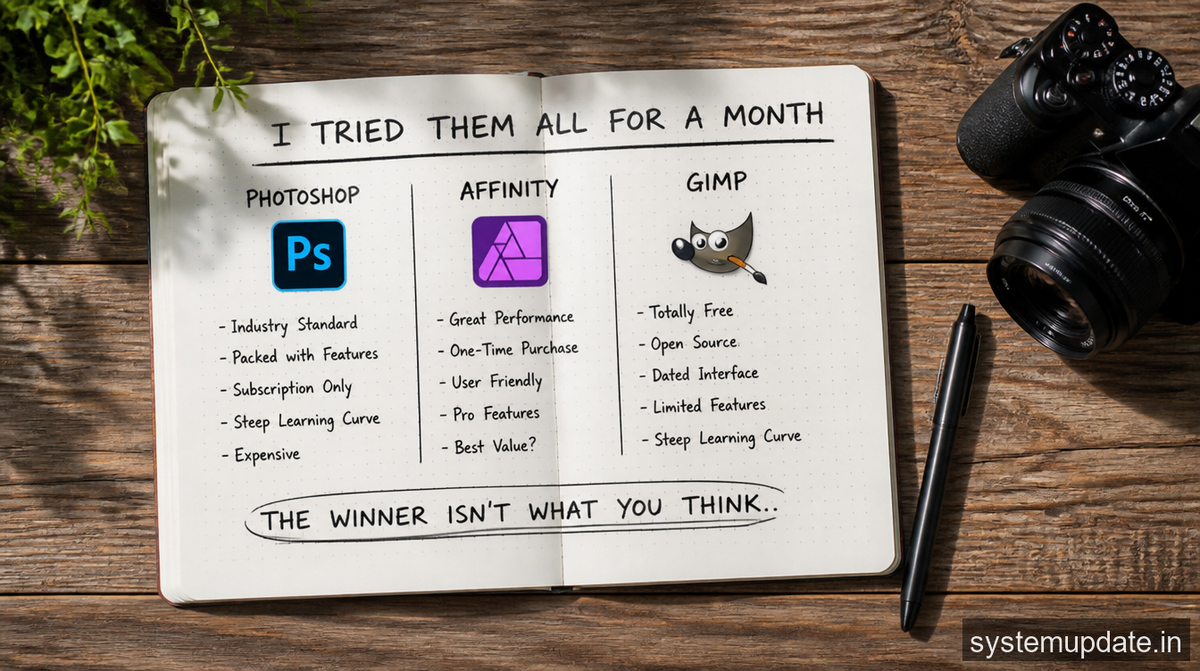
I started my experiment with Photoshop, and I have to say, it was a bit overwhelming at first. The software has so many features and tools that it was hard to know where to start. However, once I got the hang of it, I was able to produce some amazing results. I loved the ability to work with layers and masks, and the advanced tools like content-aware fill and HDR merging were incredibly powerful. However, I did find that the software was expensive, especially for a casual user like me.
One of the things that really impressed me about Photoshop was its ability to handle complex edits. I was working on a photo of a sunset, and I wanted to add some drama to the sky. I used the brush tool to paint in some cloud textures, and then I used the layer masking tool to blend them in with the rest of the image. The result was amazing, and it really showed me the power of Photoshop.
However, I did find that Photoshop had some drawbacks. The software was slow and clunky, especially when working with large files. I also found that the interface was a bit cluttered, with too many tools and features competing for attention. And, of course, there was the cost – Photoshop is not cheap, especially for a casual user like me.
My Experience with Affinity
Next up was Affinity, and I have to say, it was a breath of fresh air after Photoshop. The software was easy to use, even for a beginner like me, and it had a lot of great features. I loved the RAW editor, which allowed me to make adjustments to my photos before editing them. I also appreciated the robust set of adjustment tools, which made it easy to fine-tune my images.
One of the things that really impressed me about Affinity was its user-friendly interface. The software was easy to navigate, even for a beginner like me, and it had a lot of great features that made editing photos a breeze. I loved the ability to work with layers and masks, and the advanced tools like panoramas and focus stacking were incredibly powerful.
However, I did find that Affinity had some limitations. The software lacked some of the advanced features of Photoshop
, like content-aware fill and advanced layer management. I also found that the software was a bit slow, especially when working with large files. And, of course, there was the cost – while Affinity was cheaper than Photoshop, it was still not free.
My Experience with GIMP
Finally, I tried GIMP, and I have to say, it was a pleasant surprise. The software was free and open-source, which was a big plus for me. I was also impressed with how powerful and feature-rich it was, with support for layers, masks, and effects. However, I did find that the interface was a bit clunky, and the learning curve was steep.
One of the things that really impressed me about GIMP was its ability to handle complex edits. I was working on a photo of a landscape, and I wanted to add some drama to the sky. I used the brush tool to paint in some cloud textures, and then I used the layer masking tool to blend them in with the rest of the image. The result was amazing, and it really showed me the power of GIMP.
However, I did find that GIMP had some drawbacks. The software was slow and clunky, especially when working with large files. I also found that the interface was a bit cluttered, with too many tools and features competing for attention. And, of course, there was the learning curve – GIMP is not an easy software to learn, especially for a beginner like me.
Photoshop vs Affinity vs GIMP: My Honest Experience Using All Three
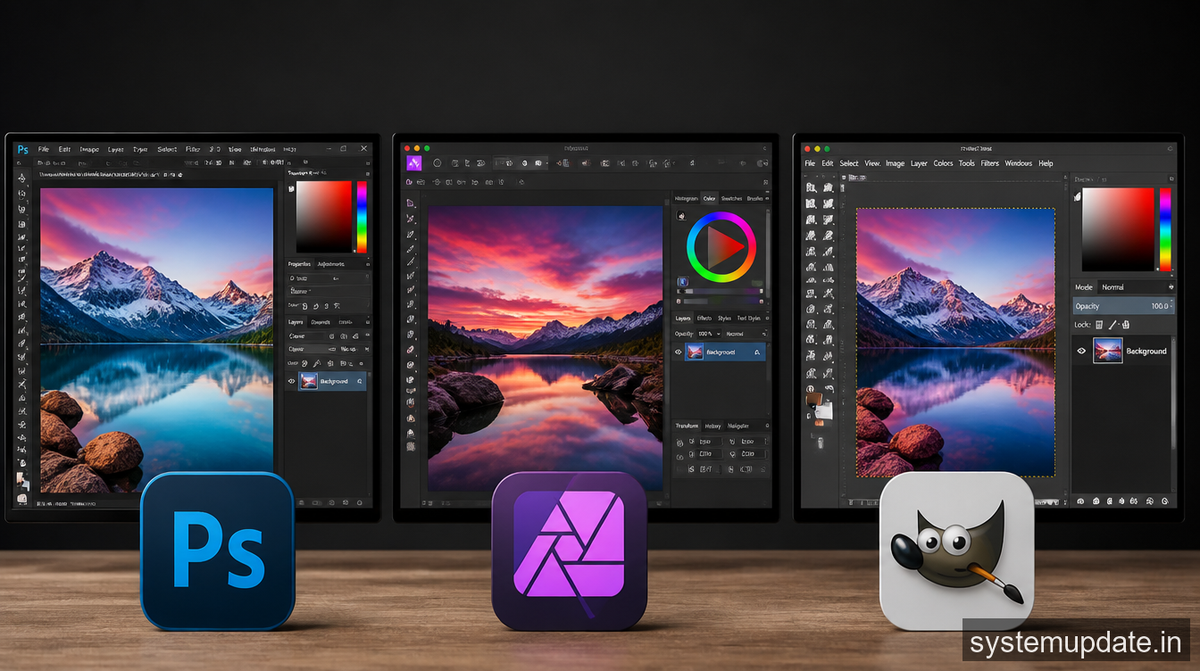
So, which software came out on top? For me, it was a close call between Photoshop and Affinity. Both software had their strengths and weaknesses, but in the end, I think Affinity was the winner. It was easy to use, had a lot of great features, and was affordable. However, I do think that Photoshop is still the industry standard, and it’s worth the cost if you’re a professional photographer.
| Feature | Photoshop | Affinity Photo | GIMP |
|---|---|---|---|
| Ease of Use | Moderate | Beginner-Friendly | Difficult |
| Price | Expensive Subscription | One-Time Purchase | Free |
| Advanced Tools | Excellent | Very Good | Good |
| Performance | Heavy on Resources | Smooth | Can Be Slow |
| Best For | Professionals | Hobbyists & Pros | Budget Users |
| RAW Editing | Excellent | Excellent | Limited |
| Learning Curve | Medium | Easy | Steep |
As for GIMP, I was impressed with its power and features, but I found it a bit too clunky and difficult to learn. However, it’s free and open-source, which is a big plus, and I think it’s definitely worth considering if you’re on a budget.
In the end, the best software for you will depend on your needs and preferences. If you’re a professional photographer, you may want to consider Photoshop. If you’re a casual user, you may want to consider Affinity or GIMP. Whatever you choose, I hope this article has been helpful in giving you a sense of what each software can do.
Frequently Asked Questions
What is the best photo editing software for beginners?
I think Affinity is a great choice for beginners. It’s easy to use, has a lot of great features, and is affordable. However, if you’re on a budget, GIMP is also a good option.
What is the most powerful photo editing software?
For me, it’s a close call between Photoshop and Affinity. Both software have a lot of advanced features, but Photoshop is still the industry standard.
Is GIMP a good alternative to Photoshop?
Yes, I think GIMP is a good alternative to Photoshop. It’s free and open-source, and it has a lot of the same features as Photoshop. However, it can be a bit clunky and difficult to learn.
Can I use Affinity for professional photography?
Yes, I think Affinity is a great choice for professional photography. It has a lot of advanced features, and it’s affordable. However, if you’re already invested in the Adobe ecosystem, you may want to consider Photoshop.
Is Photoshop worth the cost?
For me, it depends on your needs and preferences. If you’re a professional photographer, I think Photoshop is worth the cost. However, if you’re a casual user, you may want to consider Affinity or GIMP.
Final Thoughts
In conclusion, I think that Affinity is the winner of my experiment. It’s easy to use, has a lot of great features, and is affordable. However, I do think that Photoshop is still the industry standard, and it’s worth the cost if you’re a professional photographer. As for GIMP, I was impressed with its power and features, but I found it a bit too clunky and difficult to learn.
Whatever software you choose, I hope this article has been helpful in giving you a sense of what each can do. Remember, the best software for you will depend on your needs and preferences, so be sure to do your research and try out a few options before making a decision. Happy editing!
