


I run SystemUpdate.in a daily tech update blog covering Windows, Android, security patches, and OS releases. And I want to be straightforward with you: Claude AI is now part of my daily workflow. Not as a magic wand that does everything, but as a genuine productivity tool that helps me research faster, structure articles better, and stay consistent when the publishing schedule gets intense.
This is my honest review as someone who actually uses it not a sponsored post, not a generic overview. I am a developer by background, I understand how these tools work under the hood, and I will tell you exactly what Claude does well, what its real limitations are, and how I have built it into my blogging process in a way that actually holds up.
What Claude AI Actually Is And What It Is Not
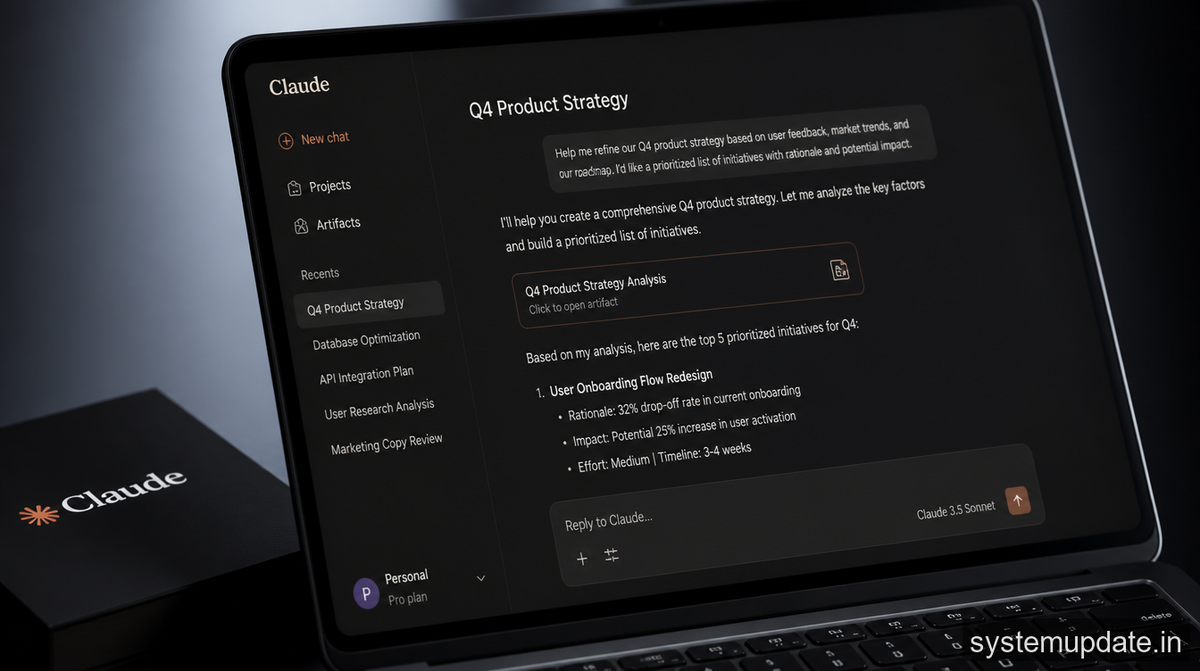
Claude is a large language model built by Anthropic, a San Francisco-based AI safety company. It is available at claude.ai and through Anthropic’s API. The version I use daily is Claude Sonnet, which balances speed and quality well for content work.
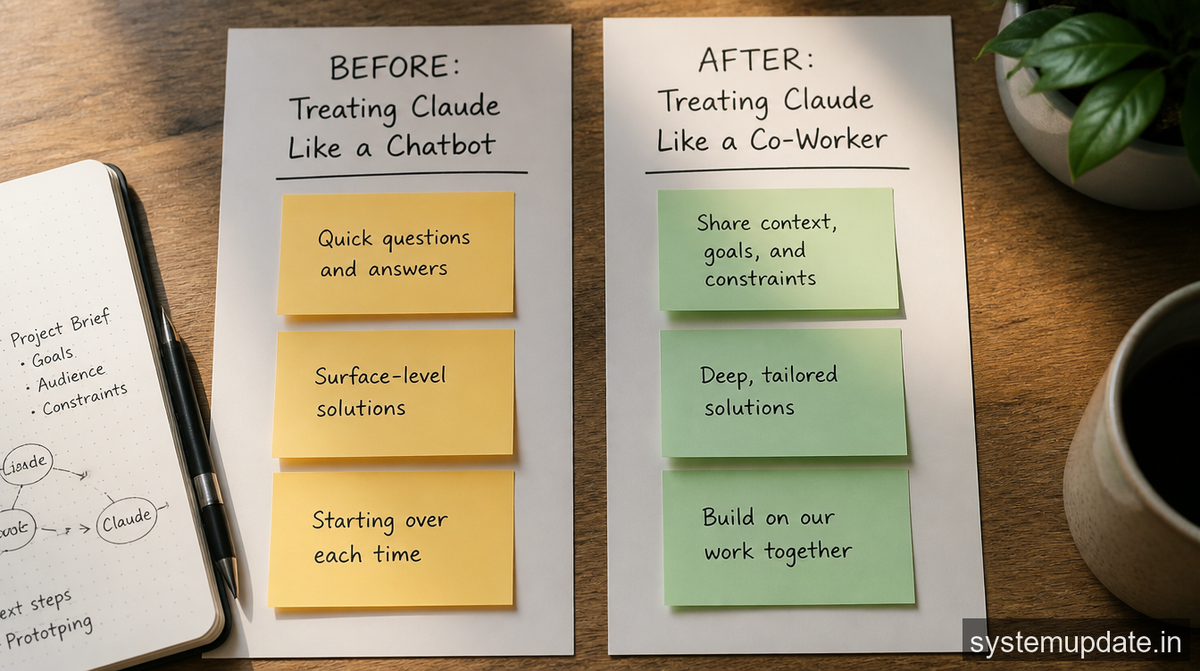
Here is something I want to clear up immediately, because I have seen other articles get this wrong: Claude does not learn or remember you between separate conversations. Each new session starts fresh. If you open Claude tomorrow, it will not remember the article you worked on today. This is how all current large language models work they process the context within a single conversation window, not across sessions. Anthropic does offer a memory feature in some versions that can retain specific information you choose to save, but by default, each conversation is independent.
I am telling you this because understanding the actual capability helps you use it properly, rather than being disappointed when it does not behave like a personal assistant who remembers your name.
How I Use Claude in My Real Daily Workflow
Running a tech update blog means I am covering fast-moving topics CVE vulnerabilities, OS patch notes, security breaches, hardware driver updates. Speed and accuracy matter equally. Here is my actual workflow:
Research Structuring
When a new security CVE drops, I already have the technical details from sources like CISA, NVD, and the vendor advisory. What takes time is structuring that information for a general audience without losing accuracy. I paste the CVE details into Claude with a specific prompt asking it to explain the vulnerability in plain language for non-technical Indian users, while keeping the CVE number, CVSS score, and affected versions intact. It produces a clear explanation in under a minute that would have taken me 20 minutes to draft from scratch.
Article Outline Generation
Before writing any long-form guide, I use Claude to generate a structured H1/H2/H3 outline based on my topic and target keyword. I review it, adjust it, and then write the actual sections myself or use it as a starting brief. The outline alone saves 30 minutes per article. For a site publishing 4-6 articles daily, that compounds significantly.
SEO Metadata
Writing meta descriptions and SEO titles is genuinely tedious when you are doing it for every article. I give Claude the article title, the primary keyword, and a one-line summary, and ask it to generate a 155-character meta description. It does this accurately and quickly. I still review and edit every single one but the starting point is usually solid.
Fact-Checking Prompts
This is a use case most people overlook. I use Claude to challenge my own drafts. I paste a section and ask: “Is there anything in this paragraph that could be factually inaccurate or misleading?” It catches things like vague attribution (“experts say”) or date inconsistencies before I publish them. This has genuinely improved my accuracy rate.

What Claude Does Not Do Be Realistic
I want to be direct here because the internet is full of overblown Claude claims.
Claude does not browse the internet in real-time unless you specifically use the web search feature in Claude.ai. If you ask it about a patch released yesterday without giving it the details, it will either say it does not know or worse it might produce something plausible-sounding but incorrect. For breaking news, you still need to read the primary source yourself.
Claude also does not replace editorial judgment. When I publish a security article about a live CVE exploit, I verify every technical claim against the NVD database and the vendor’s own advisory before publishing. No AI tool should replace that verification step for news content. The legal and reputational risk of publishing inaccurate security information is real.
And Claude has a knowledge cutoff. For a tech update blog, this matters. Always confirm time-sensitive facts version numbers, patch release dates, affected software versions against official sources.
The Honest Productivity Impact
Since integrating Claude into my workflow, I publish more consistently and with better structure. The time saving is real roughly 30-45 minutes per article on research organisation and metadata. Over a month of daily publishing, that adds up to hours I can redirect toward better research, more India-specific angles, and improving older articles.
What has not changed: the actual journalism. The CVE reporting, the accuracy checks, the India-specific context, the editorial decisions about what to cover those are still entirely mine. Claude handles the structural and drafting work. I handle the thinking.
Tips If You Want to Try Claude for Your Blog
If you run a tech blog and want to experiment with Claude, here are the approaches that have worked for me:
Be specific in your prompts. “Write an article about Windows updates” produces generic output. “Write a 150-word introduction for an article about the Windows 11 May 2026 cumulative update, targeting Indian users who are non-technical, in a first-person conversational tone” produces something actually useful.
Always fact-check the output. This is non-negotiable for news content. Claude can and does make errors, especially on recent events or specific version numbers.
Use it for structure, not soul. The India-specific angles, the developer perspective, the honest assessments that is what makes SystemUpdate.in different from a generic tech aggregator. Claude cannot replicate that. It can help build the frame. You fill it with what only you can provide.
Start with the free tier. Claude.ai has a free plan that is more than enough to test whether it fits your workflow before committing to a paid subscription.
Frequently Asked Questions
Is Claude AI free to use?
Claude.ai offers a free tier with access to Claude Sonnet. Anthropic also offers Claude Pro and higher plans with increased usage limits and access to more powerful models. For most blogging workflows, the free tier is a reasonable starting point.
Does Claude remember my previous conversations?
No by default, each Claude conversation starts fresh with no memory of previous sessions. Anthropic has introduced a memory feature in some versions that allows you to store specific information, but this must be explicitly enabled. Do not expect Claude to remember your name, your blog, or previous articles automatically.
Can Claude write articles on its own without my input?
Claude can generate drafts, but publishing raw AI output without human review is a significant risk both for factual accuracy and for Google’s Helpful Content guidelines. For a tech news blog, every AI-assisted article needs human fact-checking, especially for version numbers, CVE details, and release dates.
Is using Claude for blogging against Google’s policies?
No. Google’s guidelines in 2026 permit AI-assisted content as long as it is original, valuable, and reviewed by a human author. What Google penalises is low-quality, unreviewed AI content published at scale. Using Claude as a writing assistant, with proper human oversight, is fully compliant.
What is the difference between Claude and ChatGPT?
Both are large language models. Claude is built by Anthropic with a focus on safety and accurate responses. ChatGPT is built by OpenAI. Both have strengths and limitations. For my specific workflow structured article drafting, security content explanation, and metadata generation I find Claude’s output style a better fit for long-form tech writing. But the best tool is the one that fits your specific workflow.
Final Thoughts
I will not tell you Claude is a co-worker or a colleague that oversells what it actually is. It is a capable AI writing assistant that, when used with realistic expectations and proper human oversight, genuinely speeds up the content workflow for a tech blog like mine.
The key is knowing what it can and cannot do. It cannot replace primary source research. It cannot attend a press briefing or read a CVE advisory on your behalf. It cannot replace the judgment call about whether a story is worth covering. But it can help you structure faster, draft cleaner, and stay consistent and for a daily publishing operation, that matters.
If you want to try it: claude.ai. Start with a specific task, evaluate the output critically, and build from there.
