


What’s Happening to OneDrive Integration?
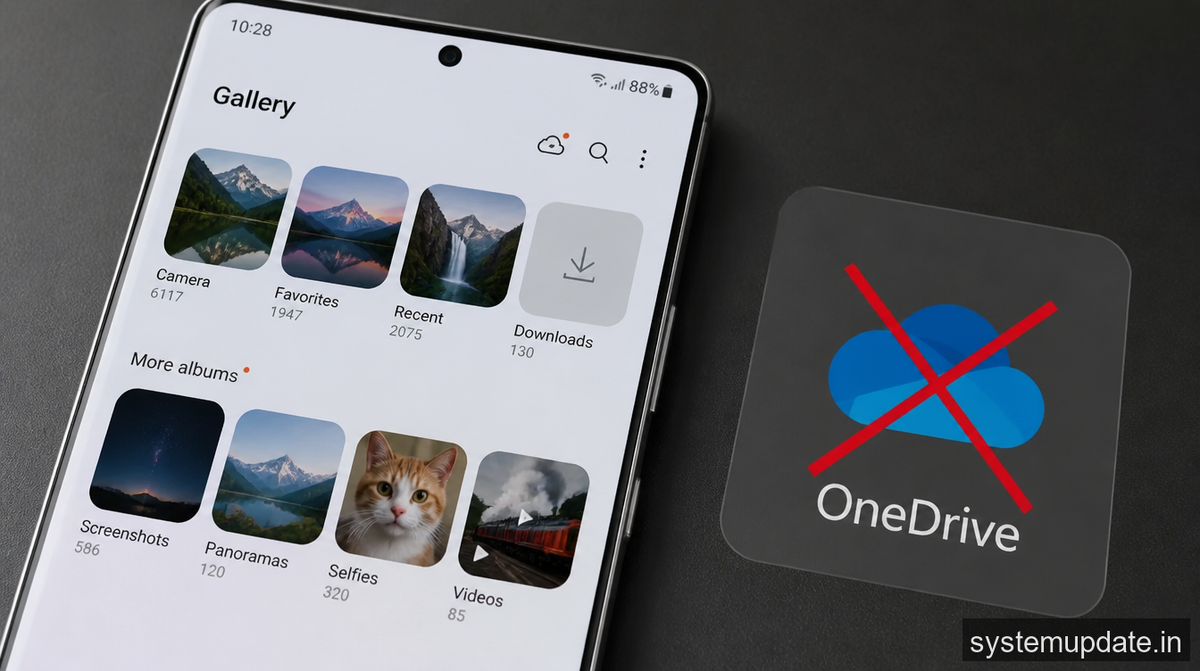
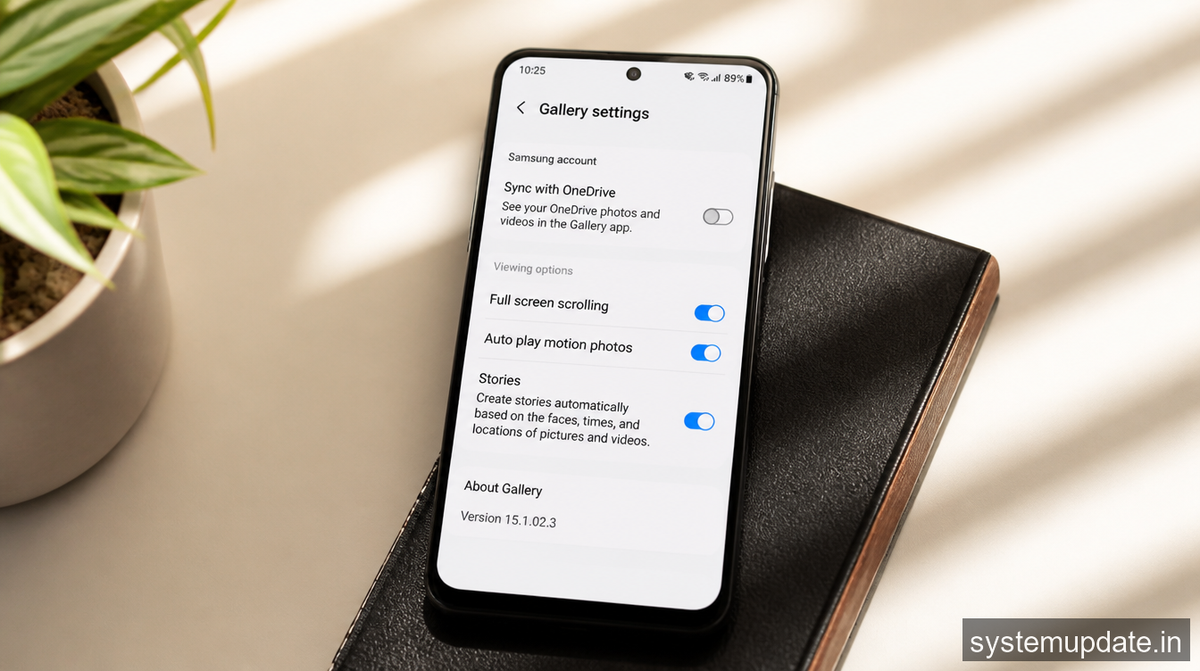
Microsoft has confirmed that Samsung Gallery will be losing its ability to back up to OneDrive starting later this year. This means that users will no longer be able to automatically upload their photos to OneDrive using the Samsung Gallery app. I’m not sure what prompted this decision, but it’s likely due to the evolving landscape of cloud storage and the increasing competition in the market. As a user, I’m concerned about the impact this will have on my photo library and how I’ll need to adjust my backup strategy.
The OneDrive integration has been a convenient feature for Samsung users, allowing us to easily upload and access our photos across devices. However, with this change, we’ll need to explore alternative solutions to keep our photos backed up and accessible. I’ve been using Google Photos as a backup solution, and I have to say, it’s been working great for me. The app is easy to use, and the AI-powered features are really helpful in organizing my photos. I’ve also been using the Google Photos app to edit and enhance my photos, and the results have been impressive.
I’ve been thinking about the potential implications of this decision, and I believe it’s a sign of the times. With the rise of cloud storage and the increasing demand for seamless integration, companies are constantly looking for ways to improve their services and stay competitive. The loss of OneDrive integration might be a setback for some users, but it’s also an opportunity to explore new solutions and find better ways to manage our digital media. I’ve been reading about the latest trends in cloud storage, and it’s clear that the industry is moving towards more specialized services that cater to specific needs.
Alternatives to OneDrive Integration
So, what are our options now that OneDrive integration is going away? Fortunately, there are several alternative solutions that we can use to keep our photos backed up and accessible. One option is to use Google Photos, which offers a similar seamless backup experience. Another option is to use Samsung’s own cloud storage service, which provides a generous amount of storage space for users. I’ve also been looking into other cloud storage services, such as pCloud and Dropbox, which offer competitive pricing and features.
I’ve been testing out these alternative solutions, and I have to say, they’re all promising in their own ways. Google Photos, for example, offers a powerful AI-powered editing tool that can automatically enhance and organize your photos. Samsung’s cloud storage service, on the other hand, provides a generous amount of storage space and seamless integration with Samsung devices. pCloud and Dropbox, meanwhile, offer competitive pricing and features that make them attractive alternatives to OneDrive. I’ve been comparing the features and pricing of these services, and I think I’ve found a solution that works for me.
Tips for a Seamless Transition
To make the transition as smooth as possible, I recommend taking a few steps to prepare. First, make sure you have a backup of your photos in a separate location, such as an external hard drive or another cloud storage service. This will ensure that your photos are safe and accessible, even if the OneDrive integration is lost. Second, explore the alternative solutions I mentioned earlier and choose the one that best fits your needs. Finally, take some time to review and organize your photo library, and consider using a photo management app to help you keep your photos in order.
I’ve been thinking about the best way to organize my photos, and I’ve come to the conclusion that a combination of cloud storage and local backup is the way to go. I’ve been using an external hard drive to store my photos, and I’ve also been uploading them to Google Photos for an extra layer of protection. I’ve also been using a photo management app to help me keep my photos organized and easily accessible. I’ve been experimenting with different workflows, and I think I’ve found a system that works for me.
What This Means for the Future of Cloud Storage
The loss of OneDrive integration in Samsung Gallery is a significant development in the world of cloud storage. It highlights the constantly evolving landscape of cloud storage and the need for companies to adapt and innovate to stay competitive. As users, we need to be aware of these changes and be prepared to adjust our strategies to keep our digital media safe and accessible. I’ve been reading about the latest trends in cloud storage, and it’s clear that the industry is moving towards more specialized services that cater to specific needs.
I’ve been thinking about the implications of this trend, and I believe it’s a positive development for users. With more specialized services available, we’ll have more choices and more control over our digital media. We’ll be able to choose the services that best fit our needs, and we’ll be able to switch between them easily. I’ve been experimenting with different services, and I’ve found that having multiple options is actually a good thing. It’s forced me to think more carefully about my needs and to find the services that work best for me.
Preparing for the Change
As the change approaches, I recommend taking some time to review your photo library and make sure everything is in order. This is a great opportunity to clean up your photo collection, delete any duplicates or unwanted photos, and organize your library in a way that makes sense to you. I’ve been going through my photos, and I’ve found that it’s actually been a therapeutic experience. I’ve been able to relive some great memories, and I’ve also been able to get rid of some photos that I no longer need.
I’ve been thinking about the best way to organize my photos, and I’ve come to the conclusion that a combination of folders and tags is the way to go. I’ve been using folders to categorize my photos by event or location, and I’ve also been using tags to identify specific people or objects in the photos. I’ve found that this system works well for me, and I’ve been able to easily find the photos I need. I’ve also been experimenting with different photo management apps, and I’ve found that some of them are really helpful in organizing and editing my photos.
Conclusion
The loss of OneDrive integration in Samsung Gallery is a significant change, but it’s not the end of the world. With some planning and preparation, we can navigate this transition and find alternative solutions that meet our needs. I recommend exploring the alternatives I mentioned earlier, such as Google Photos or Samsung’s cloud storage service, and finding the one that works best for you. I’ve been using these services, and I’ve found that they’re all viable options.
I’ve been thinking about the future of cloud storage, and I believe it’s an exciting time for users. With more options available than ever before, we’ll be able to choose the services that best fit our needs and switch between them easily. I’ve been experimenting with different services, and I’ve found that having multiple options is actually a good thing. It’s forced me to think more carefully about my needs, and I’ve been able to find the services that work best for me. I’m looking forward to seeing how the cloud storage industry evolves in the future, and I’m excited to explore new services and technologies as they become available.
Frequently Asked Questions
What is happening to OneDrive integration in Samsung Gallery?
The OneDrive integration in Samsung Gallery is being discontinued, and users will no longer be able to automatically upload their photos to OneDrive using the app. This change is expected to occur later this year, and users will need to find alternative solutions to keep their photos backed up and accessible.
What are some alternative solutions to OneDrive integration?
Some alternative solutions to OneDrive integration include Google Photos, Samsung’s cloud storage service, pCloud, and Dropbox. These services offer a range of features and pricing options, and users can choose the one that best fits their needs. I’ve been testing out these services, and I’ve found that they’re all viable options.
How can I prepare for the change?
To prepare for the change, users should take some time to review their photo library and make sure everything is in order. This is a great opportunity to clean up your photo collection, delete any duplicates or unwanted photos, and organize your library in a way that makes sense to you. I’ve been going through my photos, and I’ve found that it’s actually been a therapeutic experience.
What are some tips for a seamless transition?
Some tips for a seamless transition include backing up your photos in a separate location, exploring alternative solutions, and taking some time to review and organize your photo library. I’ve been using these tips, and I’ve found that they’re really helpful in making the transition as smooth as possible.
What does this change mean for the future of cloud storage?
The loss of OneDrive integration in Samsung Gallery is a significant development in the world of cloud storage, and it highlights the constantly evolving landscape of cloud storage. As users, we need to be aware of these changes and be prepared to adjust our strategies to keep our digital media safe and accessible. I’ve been reading about the latest trends in cloud storage, and it’s clear that the industry is moving towards more specialized services that cater to specific needs.
