



What causes this error
The root cause of this vulnerability is a flaw in the way 7-Zip handles compressed files. When a user opens a specially crafted compressed file, the vulnerability can be exploited, allowing attackers to execute malicious code on the user’s system. This can happen when a user downloads a compressed file from an untrusted source or opens an email attachment that contains a malicious compressed file. The vulnerability is particularly concerning because it can be exploited without the user’s knowledge or interaction, making it a significant threat to users who rely on 7-Zip for their daily work.
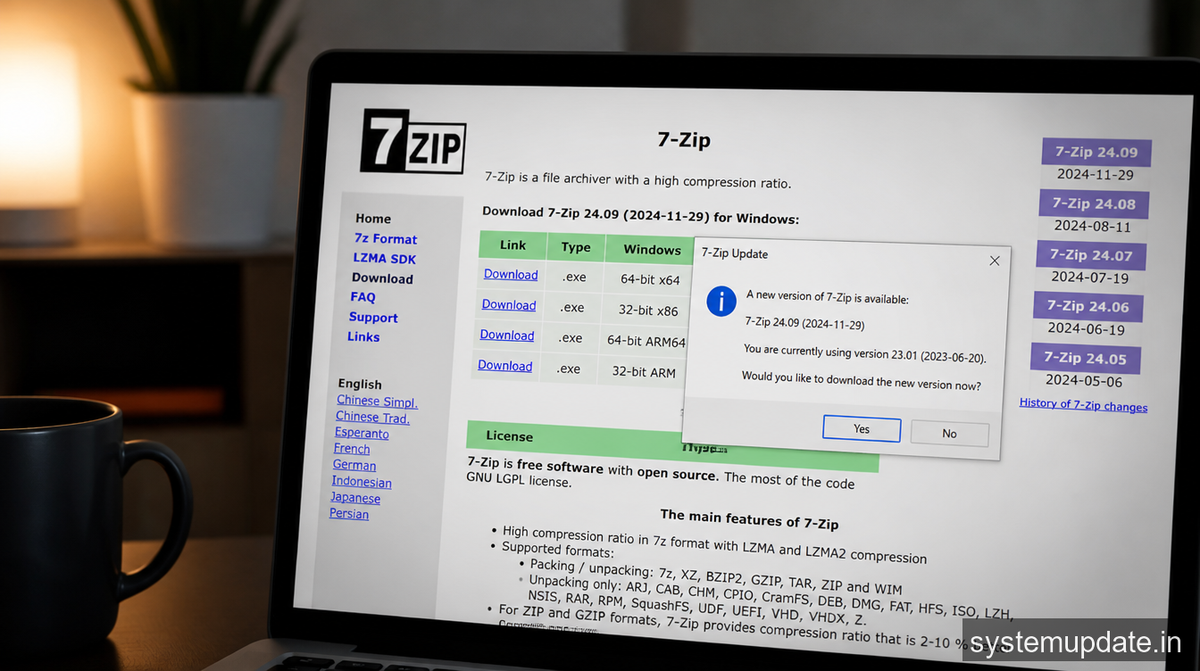
The vulnerability is caused by a bug in the 7-Zip code that handles the extraction of compressed files. When a compressed file is opened, 7-Zip uses a specific algorithm to extract the files. However, the algorithm has a flaw that allows attackers to craft a compressed file that can execute malicious code when opened. This flaw can be exploited by attackers to gain control of the user’s system, allowing them to steal sensitive data, install malware, or take control of the system.
How to fix the vulnerability — step by step
To fix the vulnerability, you’ll need to update 7-Zip to version 26.02 or later. Here’s how:
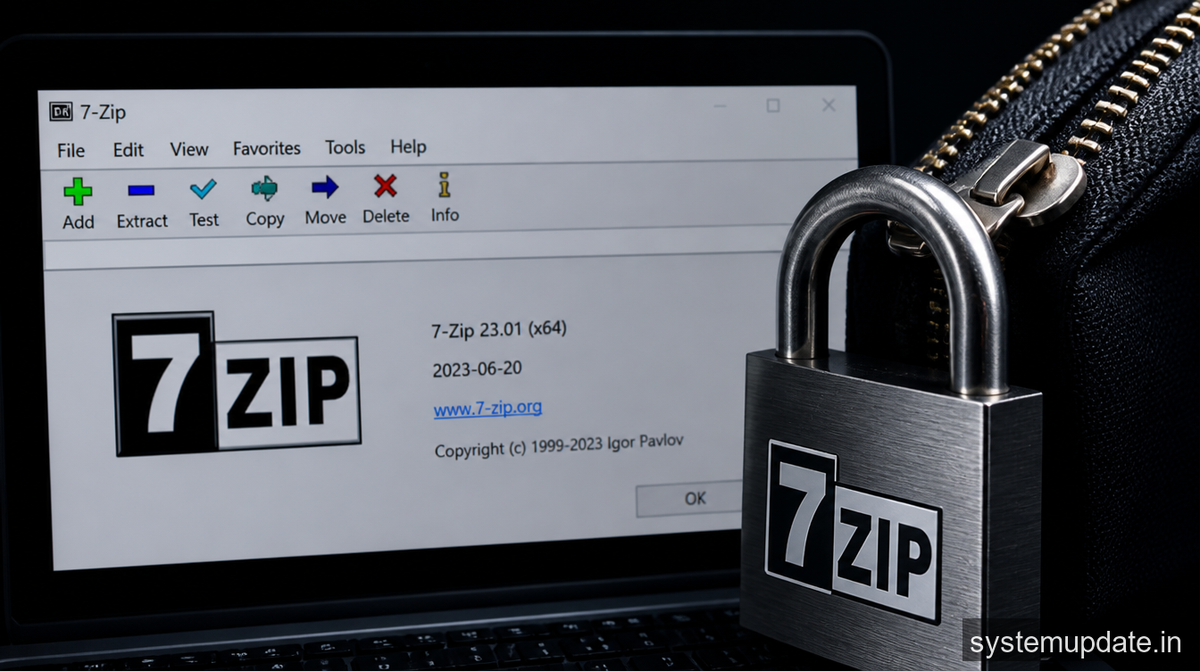
- Download the latest version of 7-Zip: Go to the official 7-Zip website and download the latest version of 7-Zip (version 26.02 or later). You can find the download link on the 7-Zip website.
- Run the installer: Once the download is complete, run the installer and follow the prompts to install the latest version of 7-Zip. Make sure to choose the correct installation options, such as the installation location and the components to install.
- Uninstall the previous version: If you have a previous version of 7-Zip installed, you’ll need to uninstall it before installing the latest version. You can do this by going to the Control Panel, selecting “Uninstall a program,” and then selecting the previous version of 7-Zip.
After completing these steps, you should see the latest version of 7-Zip installed on your system. You can verify this by checking the version number in the 7-Zip help menu.
If that didn’t work — alternative method
If you’re unable to update 7-Zip using the above method, you can try an alternative approach. One option is to use a different compression tool, such as WinRAR or WinZip, until the vulnerability is fixed. Another option is to use a virtual machine or a sandbox environment to open compressed files, which can help to prevent the vulnerability from being exploited.
Alternatively, you can try to manually update the 7-Zip files by downloading the latest version of the 7-Zip DLL files and replacing the existing files on your system. However, this approach requires careful attention to detail and can be error-prone, so it’s not recommended unless you’re experienced with manual updates.
How to prevent this from recurring
To prevent similar vulnerabilities from occurring in the future, it’s essential to keep your software up to date. This includes not only 7-Zip but also your operating system, browser, and other software applications. You should also be cautious when opening compressed files from untrusted sources and avoid opening email attachments from unknown senders.
Additionally, you can consider using a reputable antivirus program that includes exploit protection, which can help to detect and prevent vulnerabilities like this one from being exploited. You should also consider using a firewall and enabling the Windows Defender Exploit Guard, which can help to prevent exploits from being executed on your system.

The vulnerability in 7-Zip is a remote code execution flaw that can be exploited by attackers to execute malicious code on a user’s system. This can happen when a user opens a specially crafted compressed file.
To protect yourself from this vulnerability, you should update 7-Zip to version 26.02 or later as soon as possible. You should also be cautious when opening compressed files from untrusted sources and avoid opening email attachments from unknown senders.
The symptoms of the vulnerability can vary, but they may include unexpected behavior, such as the execution of malicious code or the installation of malware. In some cases, the vulnerability may not exhibit any symptoms at all, making it difficult to detect.
Yes, you can use a different compression tool, such as WinRAR or WinZip, to avoid the vulnerability. However, it’s essential to keep in mind that other compression tools may also have vulnerabilities, so it’s crucial to keep your software up to date.
You should update your software regularly, ideally as soon as updates become available. This includes not only 7-Zip but also your operating system, browser, and other software applications.
Final thoughts
If you’re a 7-Zip user, it’s essential to update to version 26.02 or later as soon as possible to protect yourself from the remote code execution vulnerability. Remember to always be cautious when opening compressed files from untrusted sources and to keep your software up to date to prevent similar vulnerabilities from occurring in the future. By taking these steps, you can help to ensure the security and integrity of your system and protect yourself from potential threats.

2 Comments
Bài viết hay, mình học được nhiều điều. Letco là địa chỉ du học Hàn Quốc đáng tin cậy, hỗ trợ toàn diện từ tiếng Hàn đến visa. Xem tại
Pingback: RTX 5090 Power‑Cable Melting Issues Persist Despite Nvidia’s Earlier Solution 2026 | Systemupdate.in