


Mozilla dropped Firefox 141 Beta last week, and it’s packed with stuff that’s been on users’ wishlists for a while. The Picture-in-Picture feature got a serious overhaul with actual volume control, WebExtensions developers finally have Storage API v2, and the tab grouping system got some meaningful improvements. Let me walk you through what’s actually changed.
Enhanced Picture-in-Picture Controls
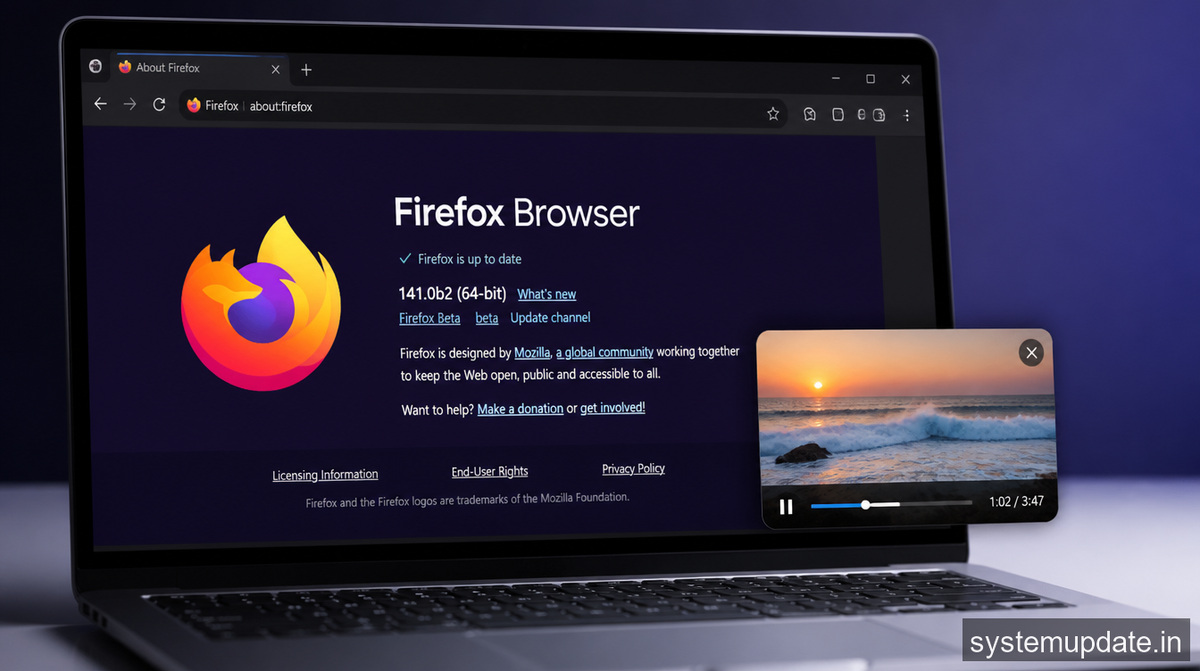
The Picture-in-Picture feature in Firefox has been functional for years, but it always felt half-baked. You’d pop a video out, and then you’d have to switch back to the main tab just to adjust volume. That’s annoying when you’re trying to work while keeping an eye on something.
Firefox 141 Beta fixes that. The new PiP controls now include a dedicated volume slider directly in the floating video window. You can mute/unmute without leaving your current tab, adjust playback speed, and there’s even a button to expand the PiP window size. The controls appear on hover, so they don’t clutter the viewing experience when you’re just watching.
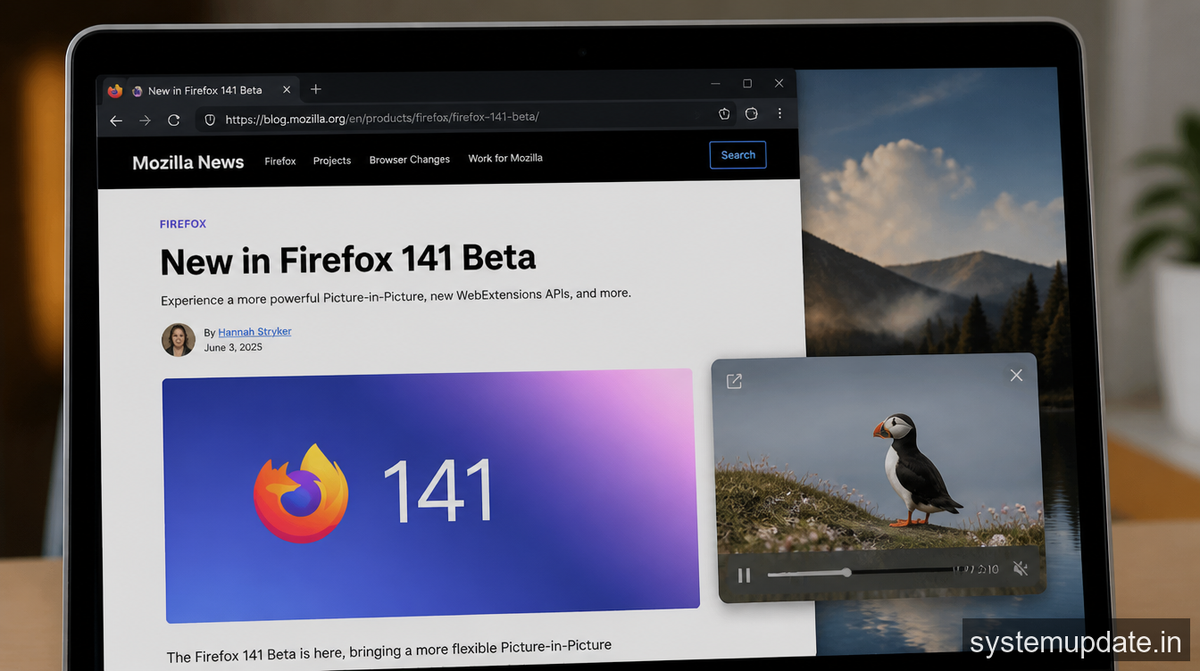
The implementation uses the Document Picture-in-Picture API that Chrome and other browsers have been adopting. Mozilla’s version feels polished, with smooth transitions and no lag when you’re sliding the volume around. I tested it with a 4K YouTube video and a local HTML5 player, and both responded instantly.
WebExtensions Storage API v2
If you build browser extensions, this one matters. The Storage API in WebExtensions has been stuck on v1 for ages, and it showed. Limited storage quotas, no way to handle sync conflicts cleanly, and basically no support for handling larger datasets.
Storage API v2 changes the game. The quota increased significantly, and there’s now a proper sync mechanism that handles conflicts the right way. You can store more structured data without hitting limits, and the new storage.sync.getBytesInUse() method lets you check usage before writing.
Mozilla also added storage.session which persists data across browser restarts but clears when the user explicitly closes the browser. That’s useful for temporary state that shouldn’t survive a restart but needs to outlive a single tab session.
The migration path from v1 is straightforward. Your existing calls still work, but you can opt into v2 by changing storage.local to storage.managed in your manifest. The docs show a clear comparison of what’s different. Extension developers should test their existing extensions against 141 Beta before the stable release, because the behavior differences can affect how your extension performs.
Improved Tab Grouping Functionality
Tab groups in Firefox have always been powerful but occasionally buggy. The parallel browsing architecture in 141 Beta brings stability improvements specifically for users who keep dozens of tabs open across multiple groups.
The main fix addresses a long-standing issue where dragging a tab between groups would sometimes lose the tab entirely or duplicate it. Mozilla rewrote part of the group handling logic to make drag operations more predictable. The group context menu now lets you close all tabs in a group except the active one, which is handy when you want to keep a reference tab but dump the rest.
There’s also better support for keyboard navigation within groups. You can use Ctrl+Shift+[ and Ctrl+Shift+] to move the current tab to the previous or next group without touching your mouse. That’s the kind of thing you don’t realize you need until you try it.
The groups sync across devices if you use Firefox Sync, though I’ve seen some users report that group order sometimes gets scrambled on mobile. That’s still not fully fixed in Beta, but Mozilla is aware.
What This Means for You
If you’re a regular Firefox user, the PiP improvements alone make this Beta worth trying. The volume control seems small, but it genuinely changes how you use Picture-in-Picture. Before, it was a novelty feature. Now it’s something I’d actually rely on daily.
Extension developers need to pay attention to the Storage API changes. Test your extensions now, update your documentation, and make sure your users don’t hit unexpected quotas when 141 goes stable. The v2 API has been in Firefox for a couple of versions now, but 141 Beta is where it becomes more viable for production use.
Users with extensive tab setups should definitely try the Beta. The grouping improvements won’t make headlines, but they fix real pain points that accumulate over time.
Frequently Asked Questions
Does Firefox 141 Beta work on macOS and Linux?
Yes, the PiP volume controls and tab grouping improvements work across all supported platforms including macOS, Linux, and Windows. The underlying Document Picture-in-Picture API is platform-agnostic.
Can I install Firefox 141 Beta alongside my stable Firefox?
You can run multiple Firefox versions simultaneously by using different profile directories. The Beta will create its own profile by default, so it won’t interfere with your stable installation or your existing bookmarks and extensions.
How do I enable the new Storage API v2 in my extension?
Add "manifest_version": 3 to your manifest.json if you haven’t already, then use chrome.storage.local or chrome.storage.sync which now default to the v2 implementation. No additional configuration needed for most extensions.
Will my existing PiP extension still work after this update?
Most existing extensions that use the PiP API should continue working. However, if your extension manually creates PiP windows, you might want to test against the new controls to ensure your UI doesn’t conflict with Mozilla’s built-in controls.
When will Firefox 141 stable release?
Mozilla typically releases stable Firefox versions 6-8 weeks after Beta. Based on their current schedule, Firefox 141 stable should arrive around late June 2026, but dates can shift based on bug fixes and review timeline.
Final Thoughts
Firefox 141 Beta delivers meaningful upgrades without flashy re branding. The PiP controls are the highlight for everyday users, and the Storage API v2 is exactly what extension developers have been asking for. Grab the Beta, test it with your workflow, and report any issues through Mozilla’s feedback channels. The more testing happens now, the smoother the stable release will be.
Article written by Harsh Mahilang at System Update India.
