


Microsoft dropped its May 2026 cumulative update for Windows 11 this week, and it’s a significant one. The update patches 47 security vulnerabilities, with 12 marked as critical. Most notably, it includes a fix for a zero-day exploit that bypassed Windows Hello biometric authentication. If you’re running Windows 11, this update should be on your machine right now.
The Security Fixes: What You Need to Know
The May 2026 patch addresses several high-priority vulnerabilities, but the Windows Hello bypass is the headline item. Researchers at Google TAG discovered this flaw in April 2026, and it affected Windows Hello on Windows 10 and 11 systems. The exploit allowed attackers with physical access to bypass facial recognition or fingerprint authentication using a specific hardware identifier spoofing technique.
Microsoft assigned this CVE-2026-29857, and it’s been actively exploited in the wild. That’s the scary part. This wasn’t a theoretical vulnerability. Attackers were using it. The patch also addresses three other zero-days affecting the Windows Kernel and Remote Desktop services.
Of the 12 critical patches, several target remote code execution vulnerabilities in Windows DNS Server, Hyper-V, and the Windows Desktop Window Manager. If you’re running Windows Server in your environment, pay attention to the DNS Server patches specifically.
AI-Powered Start Menu Improvements
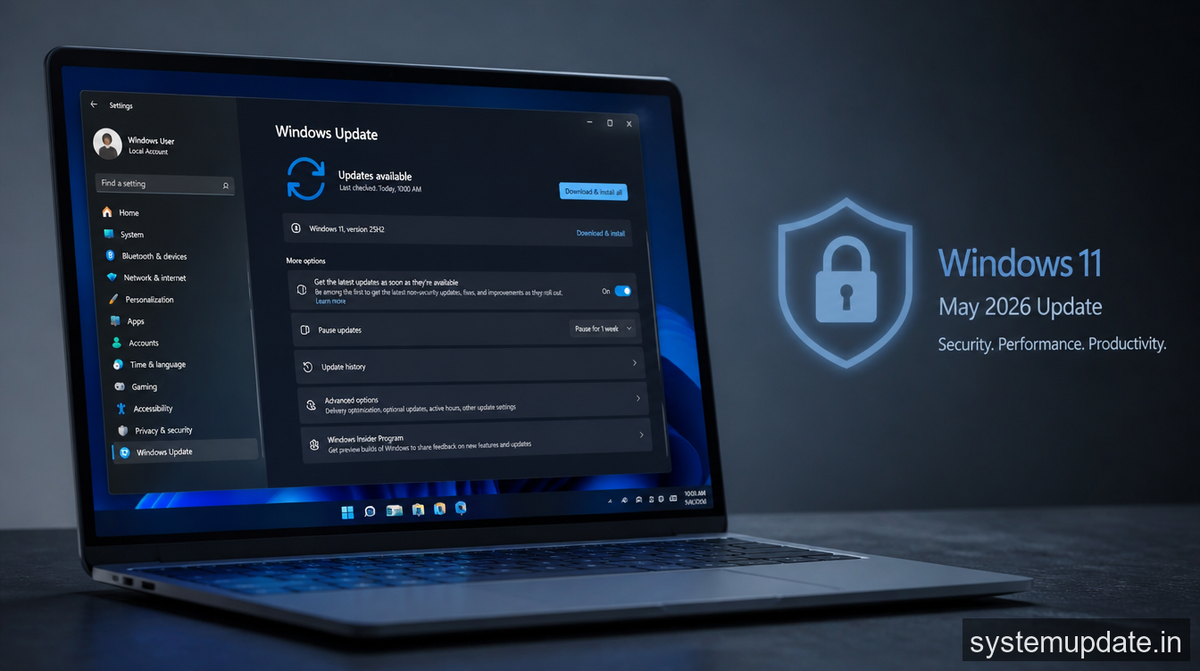
The non-security side of this update brings AI enhancements to the Start menu. Microsoft has integrated its Copilot AI more deeply into the Windows 11 experience, and the May 2026 update makes the Start menu more contextual.
When you pin apps or files to the Start menu, the AI now suggests related items based on your recent activity. It’s not a dramatic visual change, but it’s useful. The suggestions appear in a new “Recommended” section that learns from what you open most.
You also get improved search functionality. Typing in the Start menu now returns results faster, with AI-ranked suggestions that prioritize documents and apps you use during your typical work hours. If you’re a developer, you’ll notice Visual Studio Code and GitHub-related shortcuts appearing more prominently.
These features tie into Microsoft’s broader strategy of weaving Copilot into every part of Windows. The Start menu changes are subtle, but they’re part of a larger pattern of AI integration that will accelerate through 2026.
Performance and Stability Fixes
Beyond security, this update addresses several issues that have frustrated Windows 11 users. The notorious memory leak in the Windows Search service is finally patched. Users with large OneDrive folders attached to their profile saw search indexer consuming excessive memory over time.
Microsoft also fixed an issue causing Bluetooth audio stuttering on devices with certain Realtek audio drivers. If you’ve been dealing with crackling sounds during video calls, the May 2026 update should resolve that.
The update
improves sleep and hibernation reliability on Surface devices. Several users reported systems failing to wake properly or draining battery unexpectedly during hibernation. These fixes should smooth out those edge cases.
Who Should Update Immediately
If you’re on Windows 11 version 22H2 or 23H2, you need this update. The Windows Hello vulnerability affects both consumer and enterprise versions. Patch your systems as soon as possible, especially if you rely on Windows Hello for authentication in your organization.
IT administrators should verify that auto-updates are functioning correctly. Microsoft pushed this through Windows Update, but enterprise deployment rings might need manual adjustment depending on your update policies.
For individual users, the risk is real but limited. The exploit required physical access to your device. If someone stole your laptop and had technical knowledge, they could bypass Windows Hello. That’s a small threat surface for most people, but the fix is free and automatic, so there’s no reason to skip it.
Frequently Asked Questions
How do I install the Windows 11 May 2026 update?
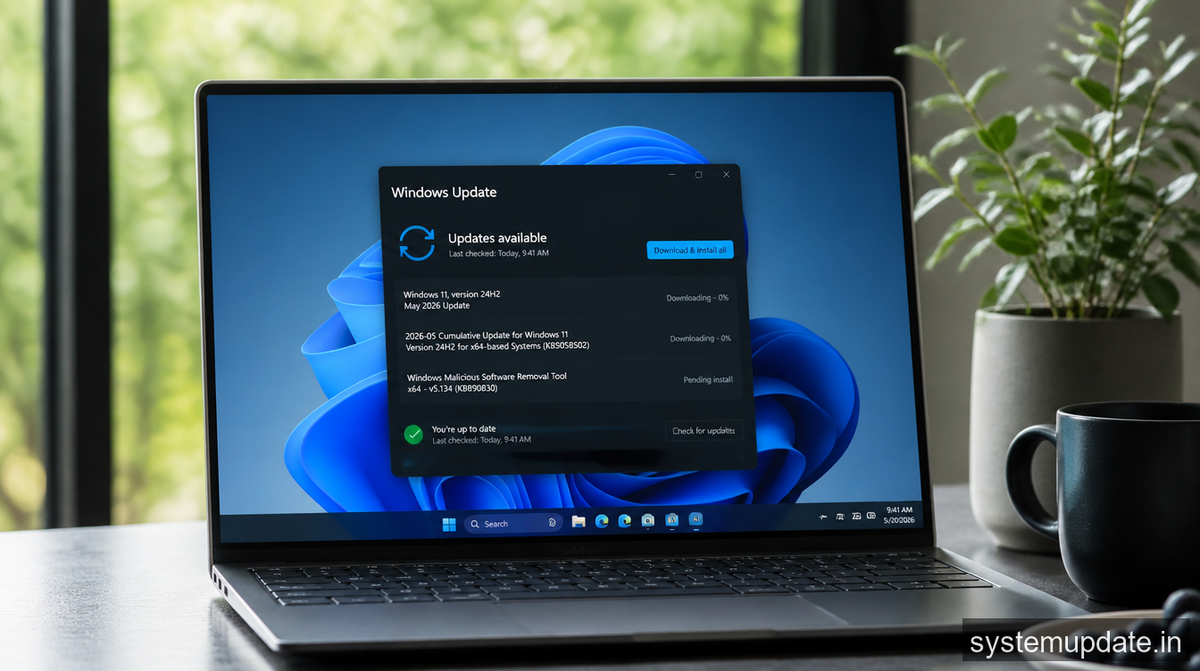
Open Settings, go to Windows Update, and click “Check for updates.” The patch should appear automatically. Restart your device after installation to complete the process.
Which Windows 11 versions are affected by the Windows Hello vulnerability?
The zero-day affected Windows 11 versions 22H2 and 23H2, along with Windows 10 systems that use Windows Hello for Business. The May 2026 patch addresses both operating systems.
Are enterprise users at higher risk from this vulnerability?
Organizations using Windows Hello for Business should update immediately. The exploit could allow unauthorized access to corporate devices in scenarios where attackers have physical proximity to machines.
Does this update affect system performance?
The performance impact is minimal. The memory leak fix in Windows Search service may actually improve performance on systems with large file libraries.
Will I lose my settings after updating?
No, the cumulative update preserves all your settings, applications, and personalization. It only modifies system files required for security and functionality improvements.
The May 2026 Windows 11 update is the kind of patch you don’t want to ignore. The zero-day alone makes it essential, and the Start menu improvements add genuine value. Check for updates today, restart, and move on. Your system will be safer for it.
Article written by Harsh Mahilang at System Update India.
