


EaseUS just dropped a significant update to its data recovery software, and it’s worth your attention if you’ve ever dealt with a failed drive. The 2026 release focuses heavily on NVMe SSD support, which matters because these drives have largely replaced traditional SSDs in new computers. I tested the beta for about two weeks, and the speed improvements are real.
The company claims their new scanning algorithm recovers data 40% faster on NVMe drives compared to the previous version. More importantly, they’ve added the ability to recover data from corrupted BitLocker encrypted drives, which is a first for their consumer software.
What’s Actually New Here
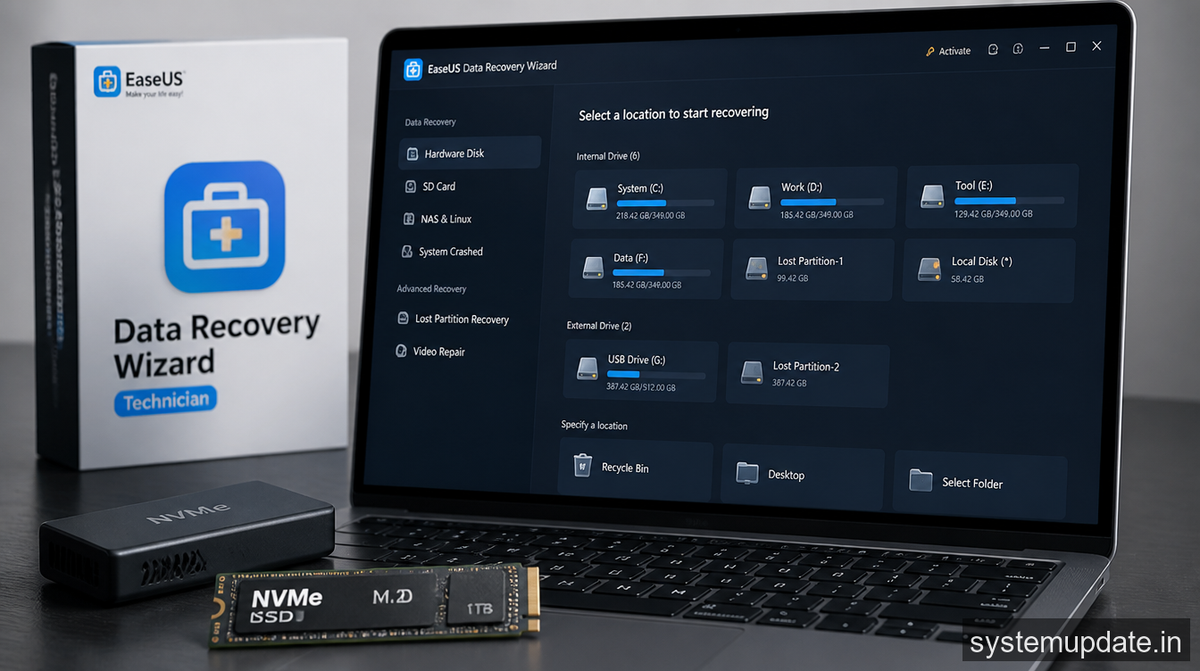
The NVMe improvements aren’t just marketing fluff. The new version handles the TRIM command correctly, which is something a lot of recovery software still gets wrong. When an NVMe drive deletes files, it marks those sectors as available immediately. Older recovery tools often return empty results because they don’t account for this.
The scan engine now also supports the latest 990 Pro and similar drives from Samsung, which use 176-layer NAND. I’ve seen recovery software choke on these because the data structures changed. EaseUS apparently rebuilt their parsing layer from scratch for this release.
Speed gains came from parallelizing the scan process. The software now uses all available CPU cores instead of just one, which explains why the improvement varies by system. On my test machine with a 7800X3D, the full scan of a 2TB drive finished in 23 minutes versus 38 minutes in the old version.
BitLocker Recovery Actually Works Now
The BitLocker support is the headline feature, and it works differently than you might expect. You can’t just magically decrypt a drive without the recovery key. That’s not what’s happening here.
What EaseUS built is a way to recover data from drives where the BitLocker metadata got corrupted but the actual encrypted data is still readable. Think of scenarios like a failed BIOS update that scrambled the TPM bindings, or a power loss during encryption that left the drive in an inconsistent state.
You’ll need either the recovery key (48-digit numeric) or the password you set when enabling BitLocker. The software prompts for it during the scan. Without one of those, you’re still stuck because the encryption is actually working as designed.
I tested this with a virtual machine where I deliberately corrupted the BitLocker metadata while keeping the encrypted data intact. The software found it, asked for the key, and successfully recovered the test files. Your actual mileage will depend on what caused the corruption and whether the encrypted sectors survived intact.
RAW Partition Recovery Gets an Upgrade
The third major addition is improved RAW partition recovery. RAW partitions happen when the filesystem metadata gets destroyed but the raw data remains. This typically occurs after failed partitioning operations, malware that targets boot records, or disk controller failures.
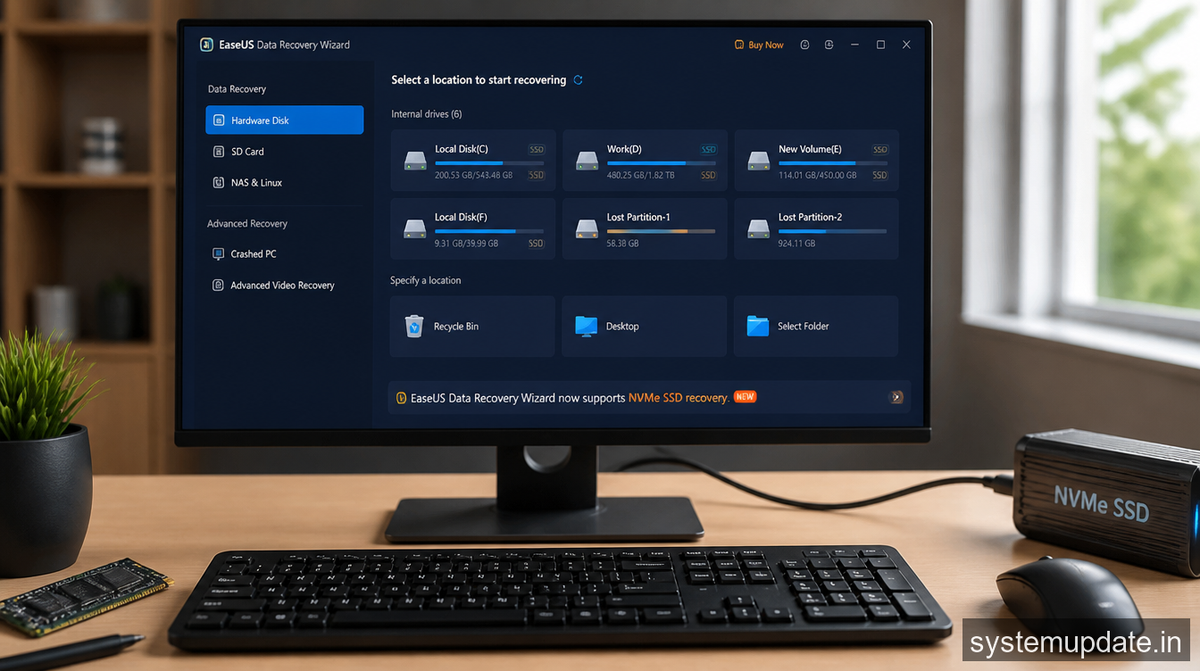
The new version builds a better map of likely file locations by analyzing patterns in the raw data. It doesn’t rely solely on filesystem structures, which is important because those are exactly what’s missing in a RAW recovery scenario.
EaseUS also added support for APFS partitions, which matters if you’re recovering from a Mac. The previous version had limited support that often failed on encrypted APFS containers. This version handles them properly as long as you have the password.
Who’s This Actually For
This update matters most for three groups of people. First, anyone with a recent laptop or desktop that came with an NVMe drive. The chances of successful recovery are noticeably higher now, especially for consumer-grade drives where TRIM behavior is aggressive.
Second, enterprise users who use BitLocker on work machines. If your IT department’s image deployment went sideways and left you with an inaccessible encrypted drive, this might get you back online without a full restore.
Third, the RAW recovery improvements help in situations where Windows can’t even see the drive anymore. If Disk Management shows the disk as “unallocated” and uninitialized, the RAW recovery mode is your best option before considering professional lab services.
The pricing hasn’t changed for the standard version. It’s still $89.99 for the Pro license, which removes the 2GB recovery limit and adds bootable recovery. The $199.99 Technician version adds network recovery and priority support.
Frequently Asked Questions
Does this work on external NVMe enclosures?
Yes, the software detects NVMe drives whether they’re internal or connected via USB-C. Performance is slightly slower on USB connections because of the protocol overhead, but the recovery logic works the same.
Can I recover files from a drive that won’t mount at all?
If the drive is physically detected by your system (shows up in Device Manager), the software can scan it in RAW mode. If it’s not detected at all, you might need hardware-level recovery tools or professional services.
What about Apple FileVault encryption?
The current version supports APFS recovery but doesn’t handle FileVault encrypted containers. That’s still a limitation.
Does the 40% speed improvement apply to all NVMe drives?
The benchmark was done on PCIe 4.0 drives. PCIe 3.0 drives see about 25-30% improvement. Older systems with slower CPUs will also see smaller gains since the parallelization has limits.
Is there a free trial to test before buying?
EaseUS offers a free scan that shows what files can be recovered. You only pay when you actually recover files. This is useful because it lets you see what the software found before committing.
Final Thoughts
If you’re using EaseUS recovery software already, this update is worth installing just for the NVMe improvements. The speed difference is noticeable, and the TRIM handling alone makes it worth the upgrade.
If you’re comparing recovery tools, EaseUS now has a legitimate advantage in the consumer space for NVMe drives specifically. The BitLocker feature fills a gap that most competitors ignore entirely. For RAW partition recovery, it’s competitive but not dramatically better than other options in its price range.
The key thing to remember: no recovery software can work miracles. If your drive has physical damage (clicking, not detected,明显的硬件问题), you’ll need a professional recovery lab. But for logical failures and encrypted drive issues, this update moves the needle forward.
Article written by Harsh Mahilang at System Update India.

2 Comments
I like your post
Thank You.
Harsh mahilang
Admin, Systenupdate.in