


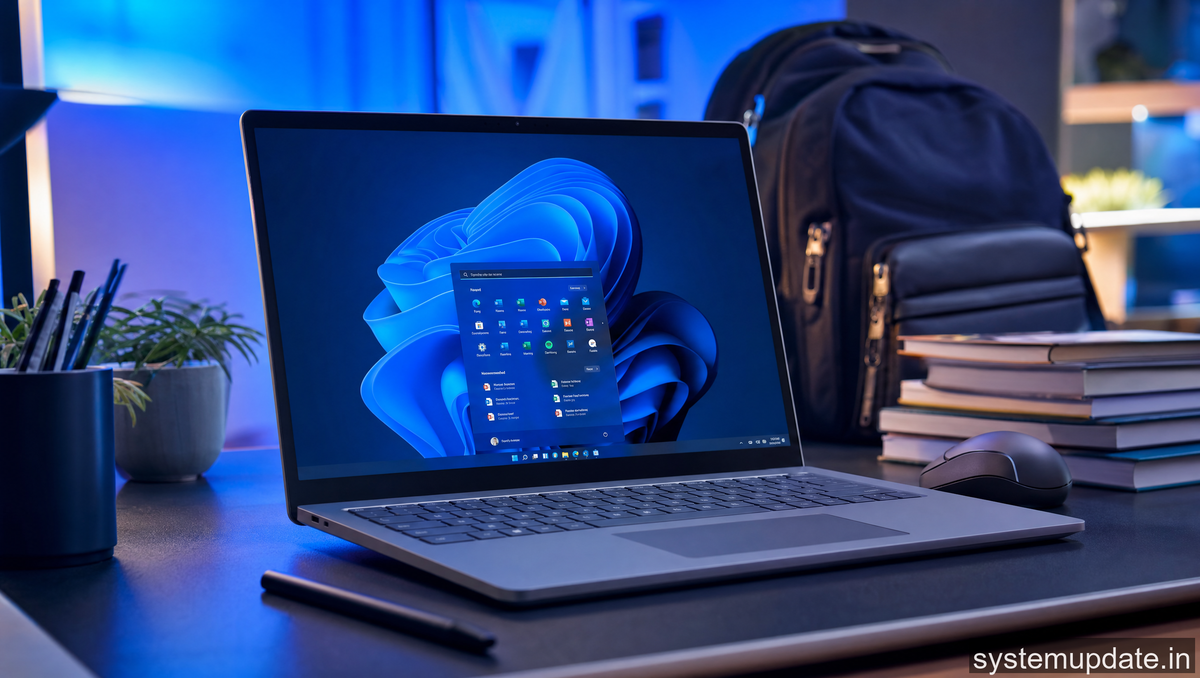
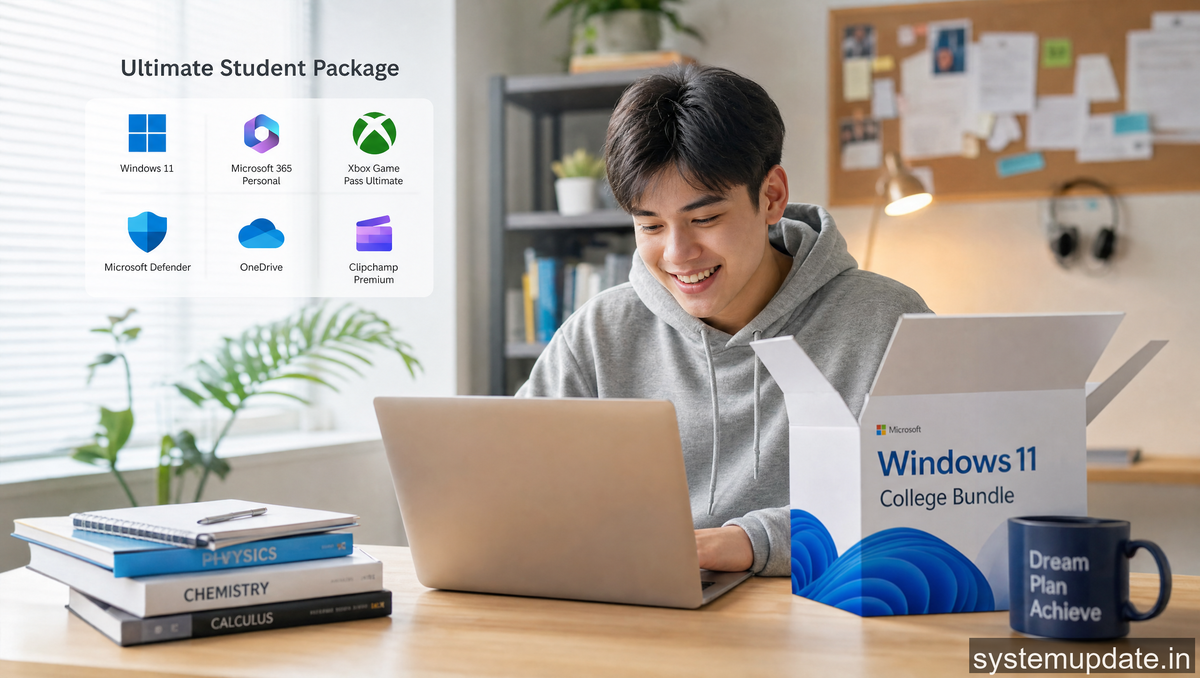
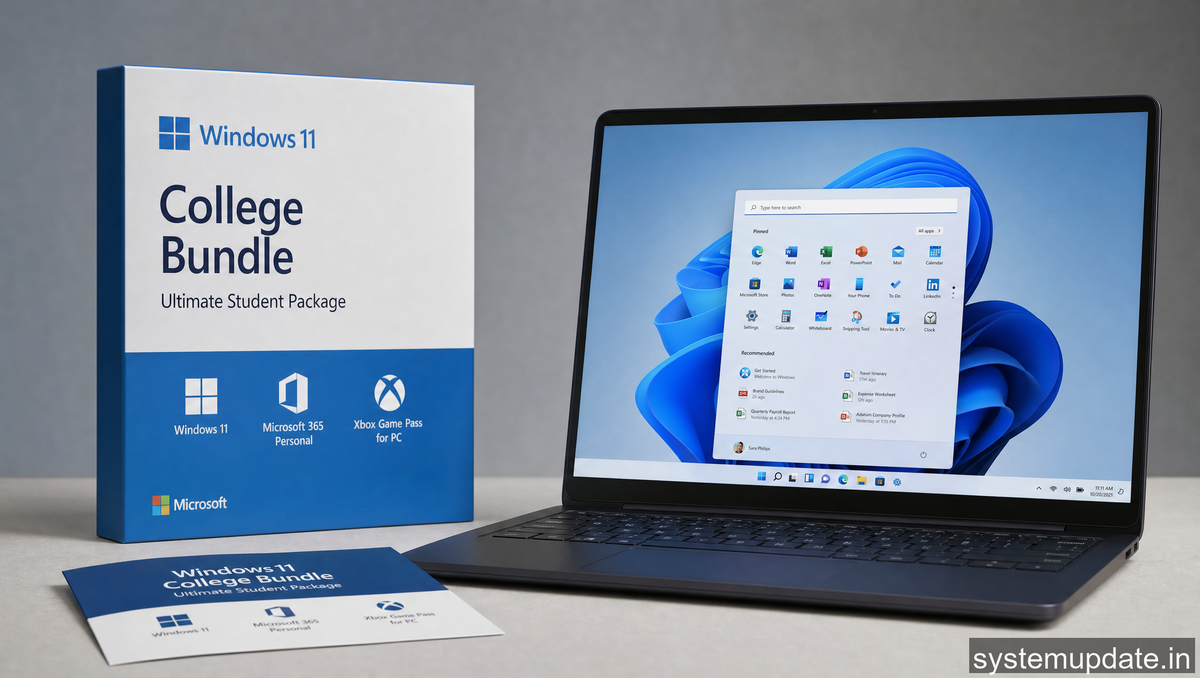
Microsoft just made it harder to justify not having the right tech in college. The company launched what it’s calling the Windows 11 College Bundle, a comprehensive student package that bundles software, hardware discounts, and education features into one streamlined offering. If you’re heading back to campus this semester, this is worth knowing about.
What’s Actually in the Bundle
The core of the package is Windows 11 Pro Education, which includes features specifically built for student workflows. Snap Layouts alone saves serious time when you’re juggling a research paper, six browser tabs, and a Zoom call. The new Teams integration for education comes preconfigured, so your classmates can hop on collaborative sessions without the usual setup friction.
Microsoft 365 Education is part of the deal too. That’s the full Word, Excel, PowerPoint, OneNote, and Teams suite—previously known as Office 365 Education. You also get 1TB of OneDrive storage, which matters when you’re dealing with video projects, research PDFs, and semester-long assignment folders. This has been free for eligible students for years, but it’s still worth highlighting because it often gets overlooked in the “bundle” conversation.
Beyond software, the hardware side of things is where the bundle actually gets interesting. Microsoft partner retailers are offering tiered discounts on Windows laptops and 2-in-1 devices marketed toward students. The exact discount varies by region and retailer, but we’re seeing $100-200 off on select models from Lenovo, Dell, HP, and Microsoft’s own Surface lineup. These are laptops that actually run Windows 11 well—meaning newer processors, enough RAM, and SSD storage that won’t bottleneck you mid-semester.
How the Education Pricing Actually Works
The pricing structure isn’t uniform across the board. There are two layers here.
First, there’s the Microsoft 365 Education tier, which remains free for students with a valid .edu email address. This has been the case since Microsoft rebranded from Office 365 to Microsoft 365 back in 2020. No change there—it’s still a solid deal.
Second, the hardware discounts through the bundle program are where you see the new movement. These aren’t automatically applied. You typically need to verify your student status through a platform like SheerID or the retailer’s own student verification system. Some Microsoft Stores also run the verification in-store if you prefer buying physical.
One thing worth noting: these hardware discounts aren’t exclusive to the bundle announcement. They’ve existed in various forms for years. What IS new is the bundling of software benefits and the coordinated marketing push making it a single “package” rather than scattered deals across different channels.
Windows 11 Features That Actually Matter for Students
Here’s where I’ll be honest—most Windows 11 features work the same whether you’re a student or not. But a few do hit different when you’re in a dorm room or lecture hall.
The virtual desktop support is genuinely useful. You can set up one desktop for coursework, another for personal stuff, and switch between them instantly. During finals week, that’s less about productivity and more about mental sanity—keeping your panic-thoughts in a separate space from your study materials.
Android apps via the Amazon Appstore is another one. It’s not perfect, but having mobile apps like Instagram, Spotify, and messaging apps directly on your laptop is more convenient than people admit. You’re not flipping between your phone and laptop constantly.
And the direct integration with Microsoft Teams means you can share your entire desktop, specific windows, or files without the clunky screen-sharing that still haunts Zoom and Google Meet. If your professors are using Teams (many are), this cuts down on the “can you see my screen?” back-and-forth.
The Competition Angle
Google and Apple run similar programs. Google’s education program gives free access to Workspace for Education, which covers Docs, Sheets, Slides, and Drive storage. Apple’s Education Store offers discounted MacBooks and iPads, plus Apple Music for $5.99/month (down from $10.99).
Microsoft’s advantage here is the breadth. You’re getting an operating system built for productivity (Windows 11’s file organization tools are genuinely better than previous versions), a full productivity suite, cloud storage, and hardware discounts—all under one umbrella. Google’s strength is simplicity. Apple’s is ecosystem lock-in if you’re already in that world.
The real question isn’t which is “best”—it’s which ecosystem you’re already in. If you’ve got an Android phone and use Google Drive for everything, Microsoft’s bundle is still worth a look for the hardware savings alone. But if you’re starting from scratch, the Windows package is competitive.
What This Means for Your Wallet
Let’s do quick math. A Windows 11 laptop that meets the recommended specs (16GB RAM, 512GB SSD, newer Intel or AMD processor) runs around $600-800 for consumer models. Student discounts can drop that to $450-650 depending on the specific deal.
Microsoft 365 Education is free. OneDrive 1TB is free. Teams is free. So you’re looking at essentially just the hardware savings, minus whatever time you spend verifying your student status.
That’s the practical value here. It’s not revolutionary, but it’s real money saved on equipment you’ll need regardless.
Frequently Asked Questions
How do I verify my student status for the Windows 11 college bundle?
You can verify through the Microsoft Store’s student verification system, which uses SheerID to confirm your enrollment via .edu email or other documentation. Some physical Microsoft Stores also offer in-store verification. The process typically takes a few minutes and is good for one year before re-verification is needed.
Is Microsoft 365 Education actually free for all college students?
Yes, if you have a valid .edu email address, you can get Microsoft 365 Education for free. This includes Word, Excel, PowerPoint, OneNote, Teams, and 1TB of OneDrive storage. This predates the new bundle announcement and remains unchanged.
Which laptop brands offer student discounts through this bundle?
Lenovo, Dell, HP, and Microsoft’s own Surface devices are the primary partners. Specific models and discount amounts vary by region and retailer. Check the Microsoft Store or each manufacturer’s education store page for current offers.
Can I get this bundle if I’m in high school or graduate school?
The bundle is primarily targeted at college students, but high school students with school-provided email addresses often qualify for Microsoft 365 Education. Graduate students with .edu emails typically qualify as well. Hardware discounts may have different eligibility requirements depending on the retailer.
Do I need to buy the bundle all at once, or can I claim parts separately?
You can claim the software benefits (Microsoft 365 Education) independently through Microsoft’s education portal. Hardware discounts through partner retailers are separate and can be accessed at any time with student verification. You don’t need to “buy” the bundle as a single package.
Final Thoughts
If you’re a student heading into the academic year and need a new laptop, the Windows 11 college bundle is worth your time to verify. The software is free either way, but the hardware discounts add up. Just make sure you’re comparing against genuine alternatives—Google and Apple both have solid education programs, and the “best” choice depends entirely on what ecosystem you’re already embedded in.
Go verify your .edu email, check the current hardware deals, and make the call based on what you actually need for coursework. That’s the boring but effective approach.
Article written by Harsh Mahilang at System Update India.
