


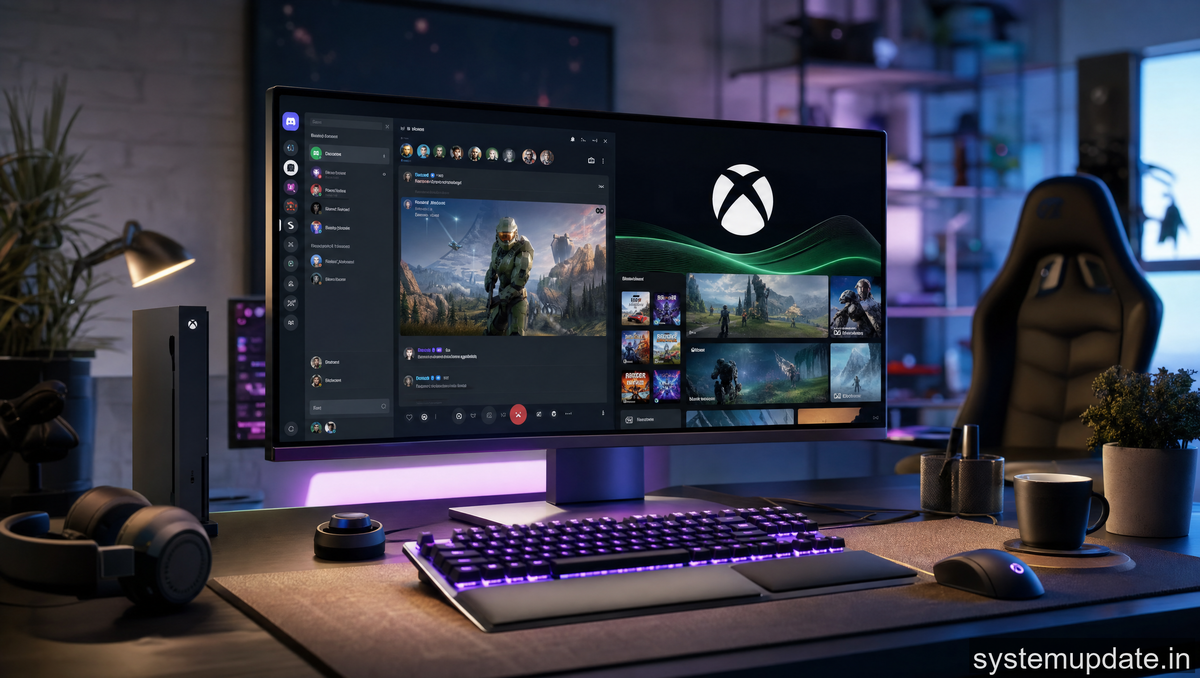
Microsoft just made gaming more social. The expanded partnership between Xbox and Discord brings deeper integration that gamers have been asking for, and honestly, it’s long overdue. I’ve been following this collaboration since the early days, and what’s happening now feels like the real payoff.
If you game on Xbox and spend time on Discord (which, let’s be honest, is most of us), here’s everything you need to know about what this partnership now delivers.
How the Partnership Started
The relationship between Xbox and Discord began years ago with basic account linking. You could connect your Xbox profile to Discord and show off what games you were playing. It was useful, but honestly, pretty limited.
Then in 2022, Microsoft announced they’d be taking this much further. The goal was seamless cross-platform social features that would make jumping between Xbox and Discord feel natural instead of clunky. That vision is now becoming reality with the expanded benefits rolling out across Windows 11 and the Xbox ecosystem.
The partnership makes sense when you think about it. Discord is the default communication platform for most PC gamers. Xbox is the hub for console players. Bridging these two worlds benefits everyone, especially as gaming becomes increasingly platform-agnostic.
What’s Actually New in This Expansion
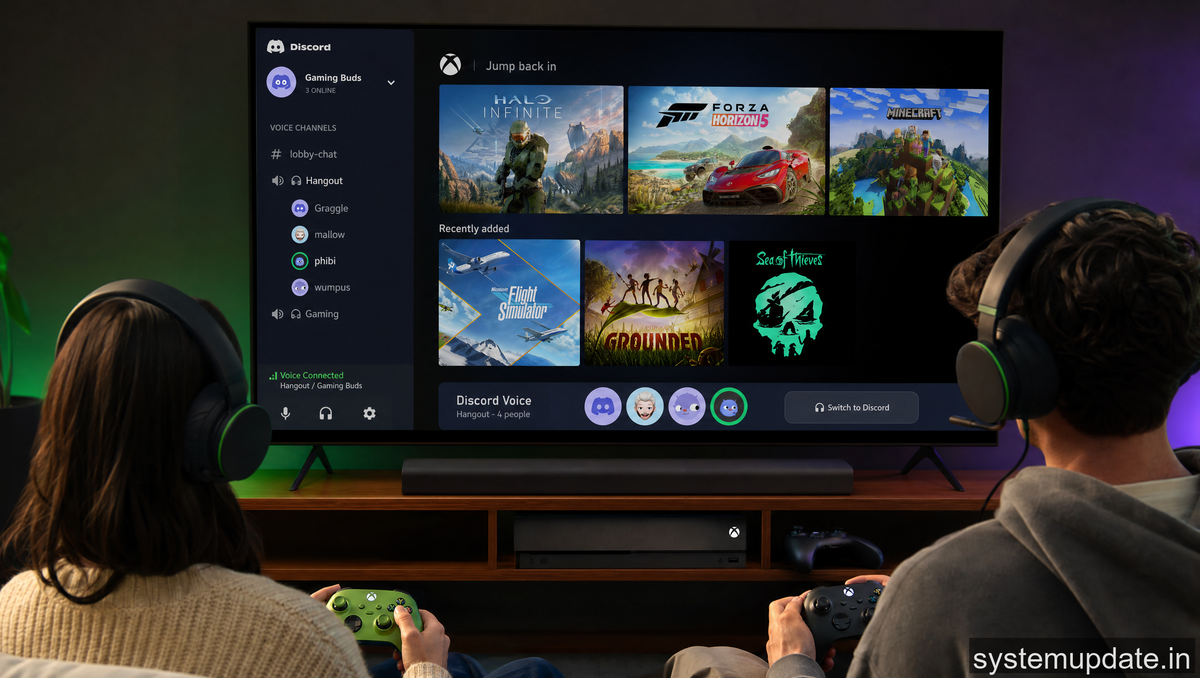
The expanded partnership brings several concrete features that change how you interact with friends across platforms.
Cross-Platform Friend Lists
This is the big one. You can now see your Discord friends who also have Xbox profiles directly within the Xbox ecosystem. The integration goes both ways, meaning you can find Xbox friends on Discord more easily too. Instead of maintaining separate friend lists across platforms, the boundaries are blurring.
This matters because gaming sessions often span multiple platforms. You might be on Discord with friends, some on PlayStation, some on PC, some on Xbox. Seeing everyone’s gaming status regardless of platform removes friction.
Shared Achievement Tracking
Your Xbox achievements can now appear on Discord in meaningful ways. We’re not just talking about showing what game you’re playing. The integration surfaces achievement milestones, letting friends celebrate your wins right in the Discord server.
Think of it like Steam achievements integration but for Xbox. When you unlock something significant, your Discord profile updates. It creates that social validation loop that makes grinding achievements feel more rewarding.
Activity Status and Rich Presence
Discord’s rich presence feature now pulls Xbox data. When you’re in a game on Xbox, your Discord status updates to show exactly what you’re playing, what you’re doing in-game, and whether you’re in a party. Friends on Discord can see this in real-time.
This removes the need to manually tell friends what you’re up to. The systems talk to each other automatically.
Voice Channel Integration
Windows 11 brings deeper Discord voice integration with Xbox. You can jump from a Discord voice channel into an Xbox party without needing to re-invite everyone. The handoff is smoother than it used to be, though it’s not perfect yet.
What This Means for Windows Users
Since Xbox and Windows share the same ecosystem through the Microsoft Store and Xbox app, Windows users get the full benefit of this integration.
The Xbox app on Windows now serves as a hub that pulls in your Discord social graph. You can see Discord friends who are online, what they’re playing, and join their sessions directly. It’s essentially bringing the social layer of Discord into the Xbox experience on PC.
For Windows 11 users, this integration feels native. Notifications from Xbox appear in your system tray, achievement unlocks show as Windows toasts, and your Xbox profile connects seamlessly with your Microsoft account which ties to Discord.
If you’re running Windows 10, you get most features too, though some of the richer integrations are optimized for Windows 11. The Xbox app works on both, but the deepest integrations favor the newer OS.
The Bigger Picture
This partnership fits into Microsoft’s broader strategy of creating a unified gaming ecosystem. They’re not just connecting Xbox and Discord. They’re connecting Xbox with PC, mobile, and now the biggest voice and chat platform in gaming.
What they’re building is a world where your gaming identity follows you regardless of where you’re playing. Your achievements, friends, and activity status persist across platforms. Discord becomes the social layer that ties everything together.
Competitors are watching. Sony and PlayStation have their own social systems, but none have partnered as deeply with a third-party communication platform the way Microsoft has with Discord. This gives Xbox an advantage in the social gaming space that other platforms struggle to match.
What You Should Do Next
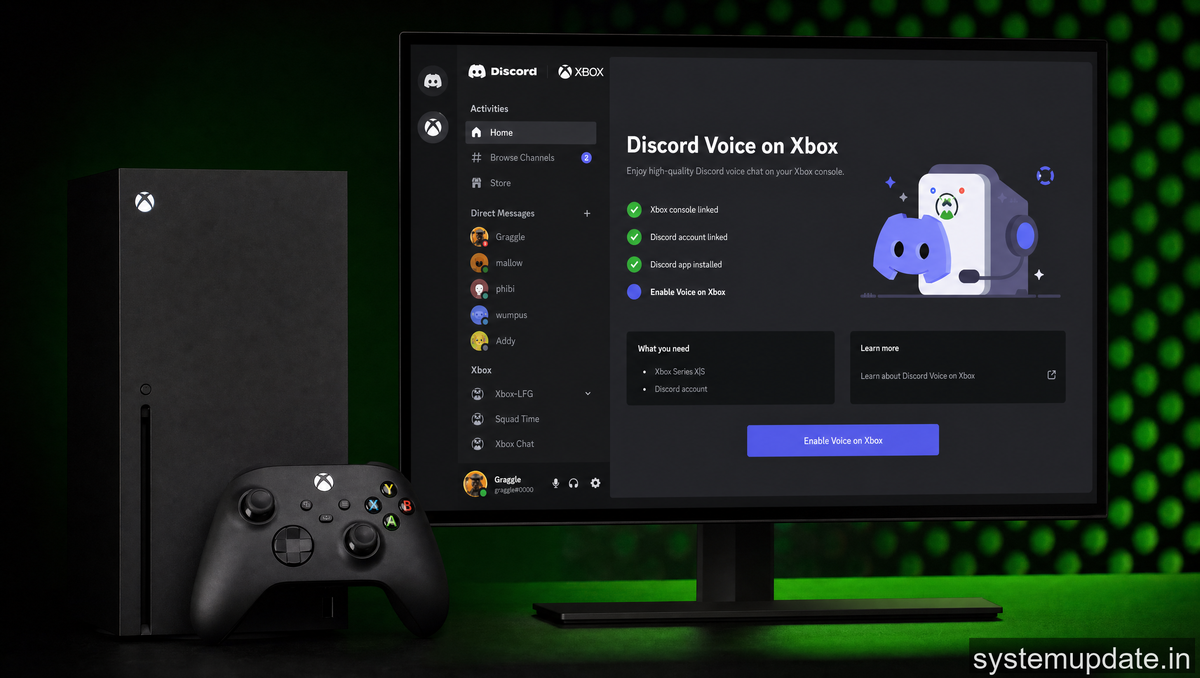
If you haven’t linked your Xbox and Discord accounts, now’s the time. Head to your Discord settings, find the connections section, and add Xbox. It takes about thirty seconds and unlocks all these features.
Make sure your Xbox app on Windows is updated too. The partnership features roll out th
rough app updates, and older versions won’t have the full integration. Check for updates in the Microsoft Store or your app settings.
Once connected, spend some time in your Xbox social settings. You can control what activity shows on Discord and who can see your gaming status. Privacy controls let you dial this in however you want.
The features are rolling out gradually. If you don’t see everything immediately, give it a few days. Microsoft deploys these integrations in waves.
Looking Ahead
Microsoft has indicated this is just the beginning. The partnership continues to deepen, with potential for more achievement sharing, unified messaging, and maybe even integrated voice features down the road.
What excites me most is the trajectory. We’re moving toward a world where platform boundaries matter less and social connections matter more. Your friends are your friends regardless of whether they’re on PlayStation, PC, or Xbox. The Xbox-Discord partnership is building the infrastructure for that future.
Frequently Asked Questions
How do I connect my Xbox account to Discord?
Go to your Discord user settings, click “Connections,” find Xbox, and authorize the connection. You’ll need to sign into your Microsoft account to complete the link. The process takes about a minute and you can disconnect anytime from the same menu.
Does this work on PlayStation or only Xbox?
This partnership is specifically between Xbox and Discord. PlayStation doesn’t have an official Discord integration like this. Sony has its own social features but hasn’t partnered with Discord in the same way Microsoft has.
Will my Xbox achievements show on Discord automatically?
Yes, once you link accounts, your Xbox achievements can appear on your Discord profile. You can control exactly what shows in your Discord privacy settings. Not every achievement necessarily shows, but significant milestones will appear.
Do I need Windows 11 for the full integration?
Windows 11 gets the deepest integration, but Windows 10 users get most features through the Xbox app. The smoothest experience is on Windows 11, but you won’t be left out entirely if you’re on Windows 10.
Can I see Discord friends’ Xbox status without being on Xbox?
Yes. Once connected, you can see what your Discord friends are playing on Xbox directly within Discord or through the Xbox app on Windows. This works across platforms so you can track Xbox friends even while gaming on PC.
This expanded partnership is exactly what the gaming social space needed. Microsoft and Discord are building something that actually makes sense for gamers, and I’m curious to see how it evolves. Start linking those accounts and see what you think.
Article written by Harsh Mahilang at System Update India.
