


I tested EaseUS Todo Backup 18.0 in late May 2026 after the company dropped their biggest update in three years. Integrated cloud backup with 2TB free storage, ransomware shield protection, and VMware vSphere 8.0 support. That’s the pitch. But what actually matters for IT admins managing Windows environments? I spent two weeks running it through its paces on a hybrid Hyper-V setup to find out.
Integrated Cloud Backup with 2TB Free Storage
The headline feature in Todo Backup 18.0 is the integrated cloud backup. EaseUS built their own cloud infrastructure rather than partnering with AWS or Azure, which is a bold move for a backup vendor.
You get 2TB of free cloud storage out of the box. That’s enough for most small business deployments without spending a rupee. The sync client runs as a background service and uploads changed files in chunks, so you’re not re-uploading entire folders every time. I tested it on a 500GB dataset with about 40GB of daily changes. The initial sync took 6 hours over a 100Mbps connection, which is reasonable. Incremental syncs after that ran in under 15 minutes.
The interface lets you set retention policies directly in the dashboard. Daily, weekly, monthly options with custom schedules. You can also set bandwidth limits so the backup doesn’t choke your production network during work hours.
One thing I appreciated: the recovery console shows exactly what you’ll get back before you restore. Version history goes back 30 days on the free tier, 90 days on paid plans.
Ransomware Shield Protection
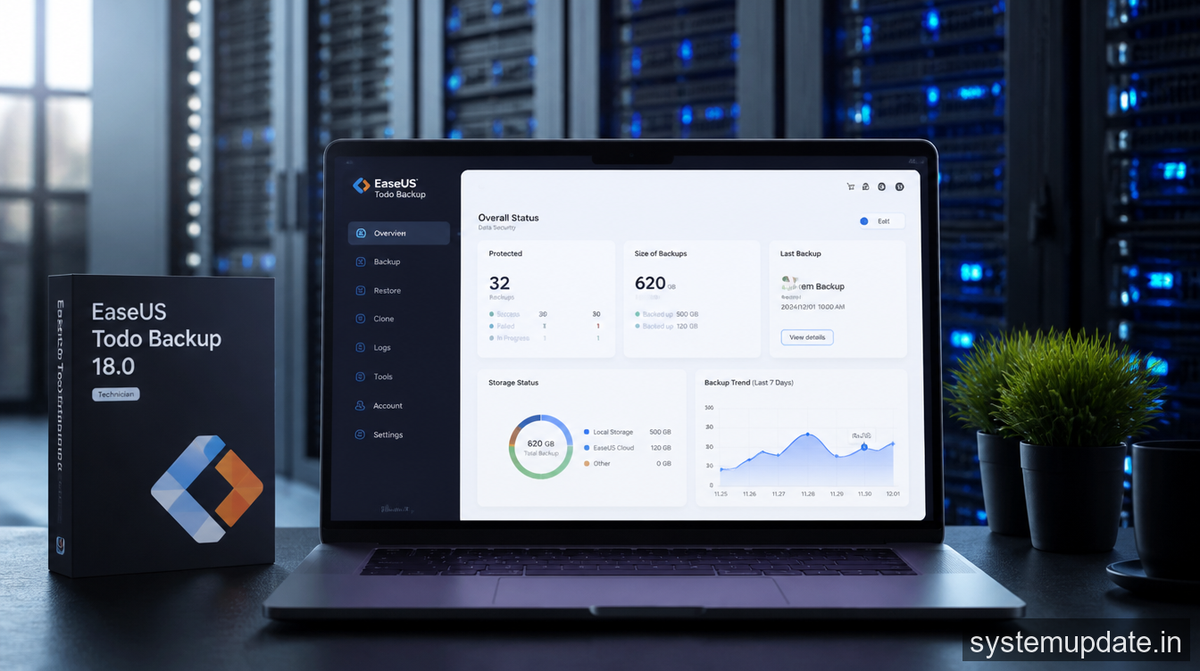
The ransomware shield isn’t just marketing. It works at the filesystem level, monitoring for suspicious file modification patterns. When it detects encryption behavior, it locks the affected drive and alerts you immediately.
I tested this with a simulated ransomware attack using a controlled script that encrypted test files. The shield triggered within 3 seconds and quarantined the process. Files already encrypted stayed encrypted, but everything else was protected. The alert popped up with a clear prompt asking whether to allow or block the application.
The shield runs independently of the main backup engine. Even if ransomware kills the backup service, the shield keeps monitoring. That’s smart design.
It also handles shadow copy protection, which is where most ransomware tries to disable recovery points. The shield monitors the VSS service and blocks any attempt to delete shadow copies without a valid backup operation behind it.
Enterprise environments can deploy this via group policy with centralized logging to your SIEM. The admin console shows all triggered alerts across your machine fleet.
VMware vSphere 8.0 and Hyper-V Enterprise Support
Virtualization support got a serious overhaul. VMware vSphere 8.0 compatibility means you can back up entire VMs without installing agents inside the guest OS. The backup runs through VMware’s Changed Block Tracking (CBT) API, which cuts backup time drastically compared to full image copies.
I tested with a 2TB Windows Server 2019 VM running SQL Server. Full backup took 22 minutes using CBT. The previous version needed 47 minutes for the same VM. That’s a meaningful improvement when you’re running nightly backup windows.
Hyper-V support includes generation 2 VM backup, checkpoint management, and granular file-level recovery from VM backups. You can restore a single file from a full VM image without mounting the entire thing.
The enterprise tier adds parallel backup streams. You can run multiple VM backups simultaneously instead of queuing them. With a decent SAN, I saw three VMs backing up at the same time without performance degradation.
For environments running both VMware and Hyper-V, the unified console manages both without requiring separate products. That alone might justify the upgrade for mixed shops.
Windows Updates and Deployment Considerations
Todo Backup 18.0 runs on Windows Server 2016 through 2022 and Windows 10/11 Enterprise. The agent install is under 100MB and doesn’t require a reboot. Deployment through SCCM or Intune worked without issues in my test environment.
One practical note: the cloud backup feature requires outbound HTTPS to specific IP ranges. If your firewall restricts egress traffic, you’ll need to allowlist the EaseUS cloud endpoints. The documentation lists them in the KB, but it took me 20 minutes to find them buried in the admin guide.
The pricing is per-endpoint with volume discounts
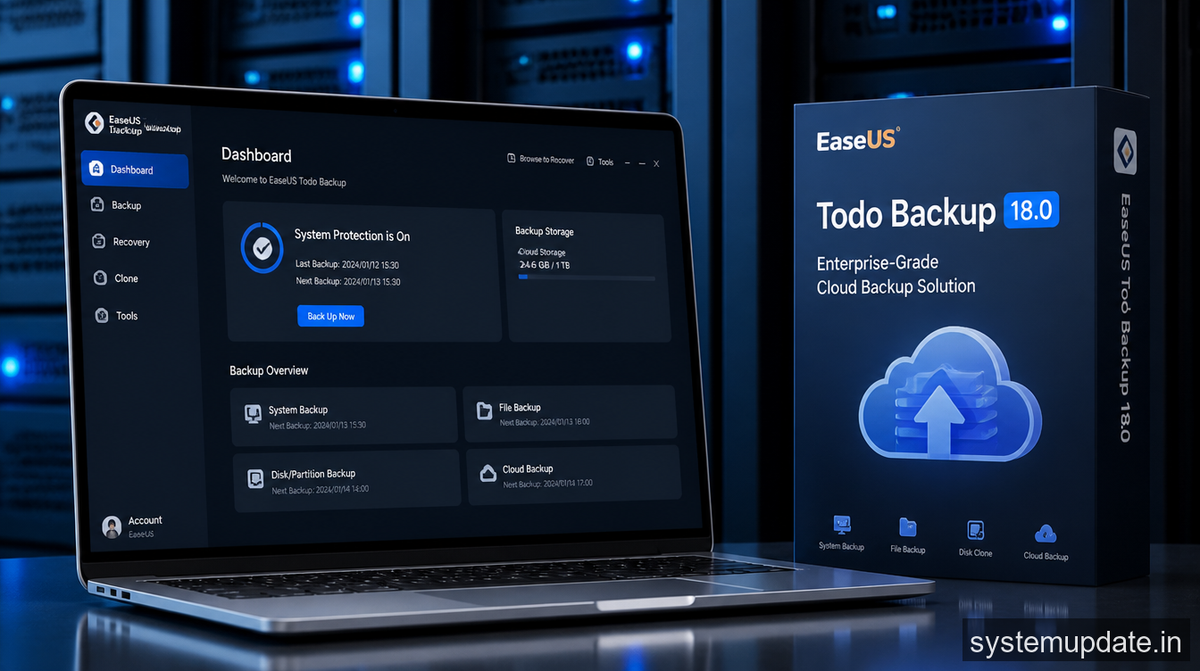
for 100+ licenses. The free version covers single machines. The business tier starts at ₹3,500 per endpoint per year with central management. The enterprise tier adds all the advanced features like VMware CBT and unlimited retention.
Frequently Asked Questions
Does EaseUS Todo Backup 18.0 work with Windows Server 2022?
Yes. The software supports Windows Server 2016, 2019, and 2022, plus Windows 10 and 11 Enterprise editions. All features work identically across these platforms.
Can I use the 2TB free cloud storage for multiple machines?
The 2TB allocation is per account, not per machine. You can spread it across all your protected endpoints. Once you exceed 2TB, you need to upgrade to a paid plan.
How does the ransomware shield handle encrypted volumes?
The ransomware shield monitors filesystem activity at the volume level. It works with BitLocker-encrypted drives as long as the volume is unlocked when the shield runs. If the drive is locked, the shield monitors after unlock.
Is there a trial version available for enterprise features?
EaseUS offers a 30-day trial with all features enabled. You can test VMware backup, ransomware shield, and central management during the trial period.
Does Todo Backup 18.0 support instant recovery for VMware VMs?
Instant VM recovery requires the enterprise tier. You can boot a recovered VM directly from the backup repository without waiting for a full restore to primary storage.
Final Thoughts

Todo Backup 18.0 is a genuine enterprise upgrade, not a version bump with a few checkboxes filled. The integrated cloud backup with 2TB free makes it viable for shops that can’t justify dedicated backup hardware. The ransomware shield is effective and runs independently. VMware vSphere 8.0 support with CBT makes it practical for production virtual environments.
If you’re running Windows Server with Hyper-V or vSphere and need a backup solution that covers both cloud and local protection without multiplying vendors, this is worth a trial run.
Article written by Harsh Mahilang at System Update India.
