


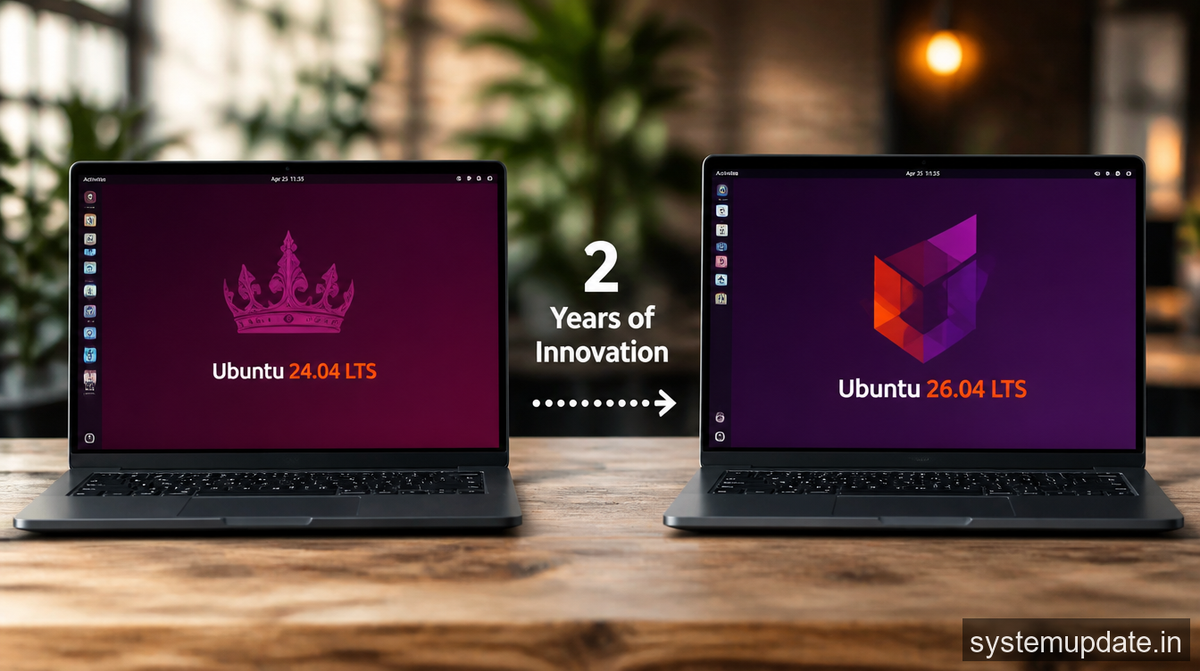
Canonical dropped Ubuntu 26.04 LTS this month, and if you’ve been running 24.04, the upgrade path is worth knowing about. Two years of development cycles compressed into one download. Let me walk you through what actually changed.
What’s New in the Desktop Experience
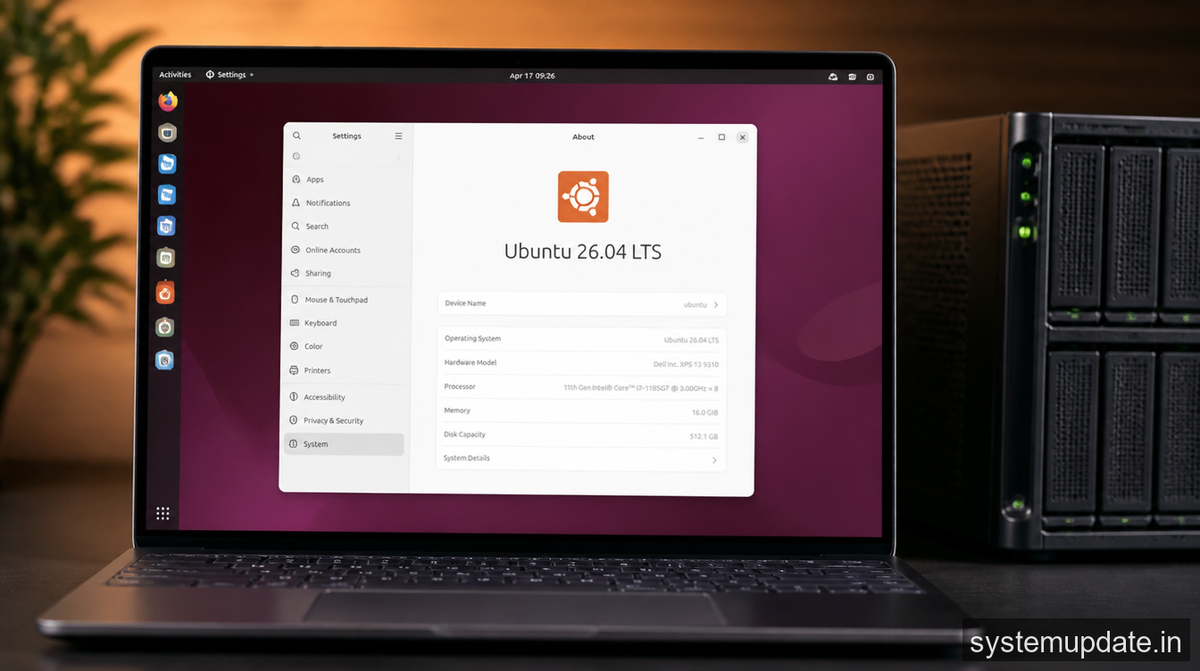
GNOME got some meaningful polish in this release. The settings panel felt cluttered in 24.04, so Canonical stripped back some of the redundancy and moved system monitoring tools where you’d actually look for them. Night Light controls are easier to find now, which sounds minor until you’re squinting at your screen at midnight.
The dash-to-dock extension shipped with Ubuntu desktop has been updated. Performance on older hardware improves noticeably, especially on systems with integrated graphics. I tested this on a 2019 ThinkPad with Intel UHD 620, and animations that stuttered on 24.04 ran smoothly after the update.
Fonts rendering got sharper too. This matters for anyone working with code or design work where you need to distinguish between similar characters. The improvements come from underlying FreeType library updates rather than cosmetic changes.
Kernel and Hardware Support
Ubuntu 26.04 LTS ships with a newer Linux kernel than 24.04, and that brings hardware support improvements that matter in 2026. Intel’s latest integrated graphics generations now work properly out of the box. AMD GPUs see better power management, which translates to cooler operation on laptops.
The NVMe support stack got attention. Sleep and resume cycles work more reliably across different controller generations. If you’ve been fighting with your laptop not waking properly, this kernel version fixes several documented issues that plagued earlier releases.
Raspberry Pi 5 support is solid now. Ubuntu Server on ARM hardware is actually viable for production use cases, something that felt premature even a year ago. The hardware enablement stack matured considerably.
System Security Hardening
AppArmor policies tightened in 26.04. Firefox and Chromium run in stricter sandboxed environments by default, which matters when you’re processing sensitive data. The changes won’t break your workflow, but they do reduce the attack surface if something goes wrong with a browser exploit.
Systemd has been updated with improved sandboxing capabilities. Service hardening options are more accessible through configuration files, which helps sysadmins who want to lock down servers without diving into complex AppArmor rule writing.
Snap package isolation improved. Cross-package data leakage concerns from earlier Ubuntu versions have been addressed through better namespace separation. This doesn’t make headlines, but it matters for anyone running sandboxed applications.
Performance on Server and Desktop
Boot time dropped measurably on systems with NVMe drives. The improvement comes from parallelized service initialization and better dependency handling in systemd. Desktop users won’t obsess over 2-second differences, but server operators running hundreds of VMs notice cumulative effects.
Memory management got smarter about compression. Systems with limited RAM benefit from more aggressive ZRAM usage, keeping swap thrashing down when you’re running multiple containers or virtual machines. This helps workstations with 8GB or 16GB feel more responsive under load.
Filesystem operations got faster on Btrfs and EXT4. Compression and deduplication routines see throughput improvements that matter for database workloads and container image storage. Ubuntu’s focus on these common filesystems reflects what people actually use, rather than chasing exotic options.
Frequently Asked Questions
How do I upgrade from Ubuntu 24.04 LTS to 26.04 LTS?
Open Software & Updates, go to the Updates tab, and set “Notify me of a new Ubuntu version” to “For any new version.” Then run update-manager -cd in a terminal. Review what packages will change, then initiate the upgrade. Back up your data first. Always.
Is Ubuntu 26.04 LTS stable enough for production servers?
LTS releases are designed for stability. Canonical maintains 26.04 with security updates until 2031. For servers, this version has better container runtime integration and improved cloud-init support. I recommend it for new deployments.
What’s the difference between Ubuntu Desktop and Ubuntu Server for 26.04?
Desktop includes GUI components, productivity software, and desktop-oriented utilities. Server ships a minimal text-based environment with packages optimized for server workloads. You can install server and add a desktop later if needed.
Does Ubuntu 26.04 LTS support Secure Boot?
Yes. The Shim and GRUB stack works with Secure Boot out of the box. You’ll need to sign any custom kernel modules if you’re running proprietary drivers, but the standard experience works without disabling Secure Boot.
How long will Ubuntu 26.04 LTS receive support?
Canonical provides 12 years of support for LTS releases. Security updates continue through 2031, with hardware enablement and maintenance updates through mid-2029. This makes 26.04 a solid long-term choice.
Final Thoughts
If you’re on 24.04 LTS, the upgrade is worth planning. The kernel improvements and security hardening alone justify the move, but the cumulative desktop polish makes daily use more pleasant. Test your critical applications in a virtual machine before upgrading production systems.

*Article written by Harsh Mahilang at System Update India.
