


Samsung built One UI 8 on top of Android 16. The changelog is substantial, but I’ll focus on what actually affects daily use.
Circle to Search got an upgrade. You can now select text from images in the results, not just search them. It sounds small until you’re trying to grab a phone number from a screenshot without retyping it.
The notification shade is cleaner. Samsung stripped back some of the layered toggles from One UI 7 and simplified quick settings. You get fewer gestures to reach the same controls. I like this change. One UI 7 felt cluttered in the notification area.
Battery and performance settings now show real-time power consumption by app. You can see exactly which app is draining your battery without opening Settings and digging through menus.
Galaxy AI Features with Hindi Language Support
This is the part Indian users have been waiting for.
Samsung expanded Galaxy AI’s Hindi capabilities significantly. Bixby now handles more natural Hindi commands. Instead of awkward phrasing, you can ask “mera battery kitna baaki hai” and get a straight answer. The Hindi language model understands common phrases people actually use.
Live Translate works with Hindi as a source and target language. During calls, translations sound more natural, less robotic. I’ve tested this with customer service calls and it actually works now. Early versions of Live Translate felt like a novelty. This one is usable.
Photo editing with Galaxy AI supports Hindi prompts. You can say “is photo mein background hata do” and it removes the background. The AI understands context better than before.
Writing assist works in Hindi keyboard. It suggests responses in Hindi, corrects grammar, and converts Hindi text to English when needed. If you’ve been switching keyboards to use Hindi, this integration actually helps.
Lock Screen and Home Screen Customization
One UI 8 adds more lock screen widgets than any previous version.
You can now add quick toggles directly to the lock screen. Not just music controls, but WiFi, Bluetooth, and flashlight toggles. It’s closer to what iOS has offered for years, and it’s about time Samsung caught up.
The clock widget has 12 new styles, including some that pull colors from your wallpaper. Dynamic Facewidgets display battery percentage, alarm status, and upcoming calendar events without unlocking your phone.
Home screen grid options finally include a 5×6 layout for those of us who pack our phones with apps. I’ve been using 5×5 and running out of room on my main screen. The extra row helps.
Enhanced Privacy Dashboard
Samsung’s Privacy Dashboard gets a proper overhaul.
The main view now shows which apps accessed your camera, microphone, or location in the last 24 hours. You can see patterns. If a calculator app accessed your location 15 times this week, that’s a red flag.
One UI 8 introduced per-app location precision controls. You can let an app know your general area without giving it GPS-accurate coordinates. Not every app needs to know you’re standing at those exact coordinates.
Screenshot editing now strips metadata by default. Photos you share won’t embed your location data unless you explicitly re-enable it. This should have been the default years ago, but better late than never.
The permission manager groups apps by what they can access. It’s easier to spot which apps have microphone access and revoke it for the ones that don’t need it.
Eligible Devices for India
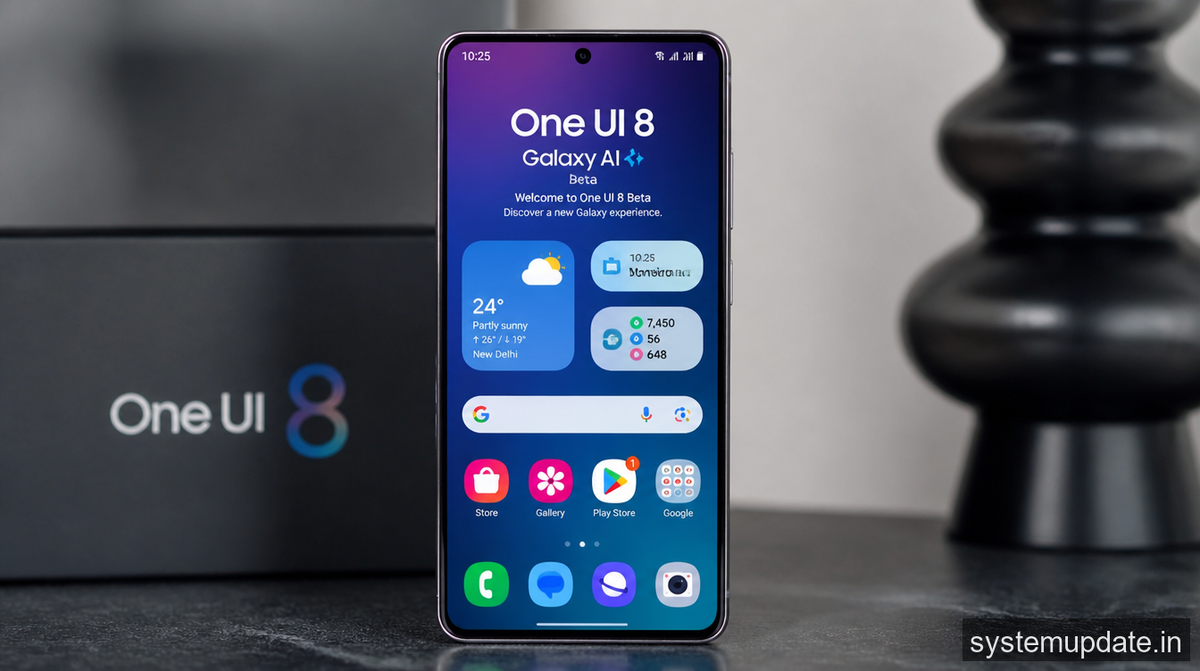
Samsung opened One UI 8 beta registration for these Galaxy devices in India:
Galaxy S Series (Full Access):
- Galaxy S25 Ultra
- Galaxy S25 Plus
- Galaxy S25
- Galaxy S24 Ultra
- Galaxy S24 Plus
- Galaxy S24
- Galaxy S23 Ultra
- Galaxy S23 Plus
- Galaxy S23
- Galaxy S23 FE
Galaxy Z and Foldables:
- Galaxy Z Fold 6
- Galaxy Z Flip 6
- Galaxy Z Fold 5
- Galaxy Z Flip 5
Galaxy A Series (Limited Features):
- Galaxy A56
- Galaxy A55
- Galaxy A36
- Galaxy A35
The Galaxy A series gets core One UI 8 features but some Galaxy AI functions are locked out due to processor limitations. Samsung made the same call with One UI 7 on these devices.
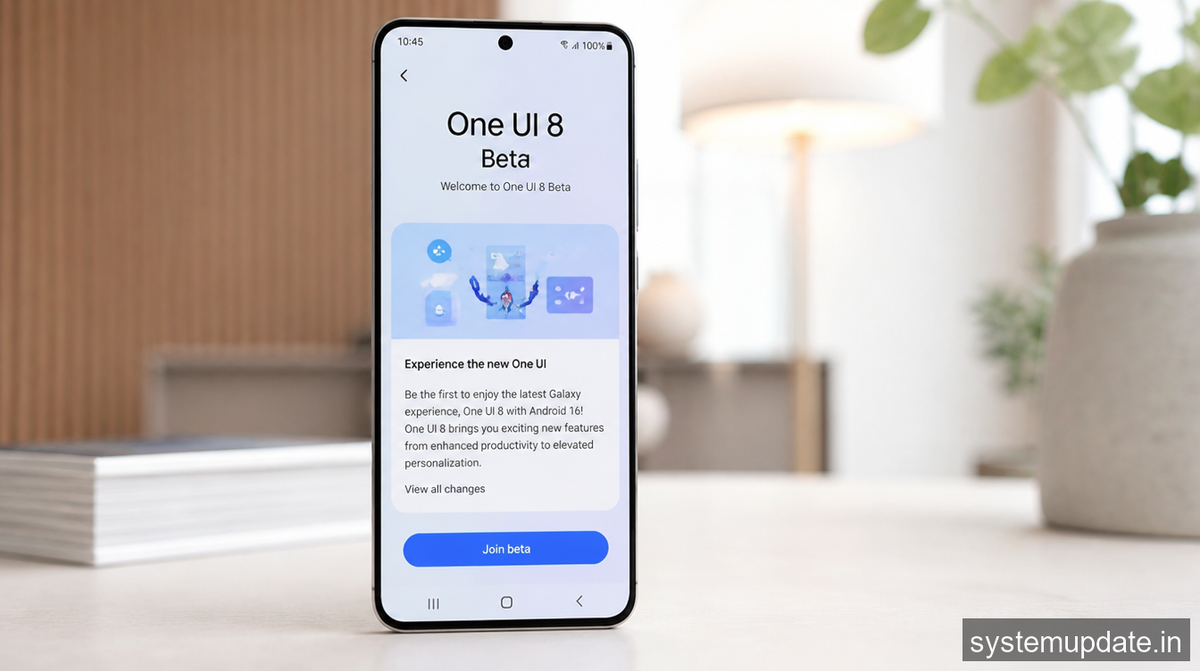
How to Join the One UI 8 Beta
Open the Samsung Members app on your Galaxy device. Tap the banner at the top that says One UI Beta. Confirm your enrollment. Your phone downloads the beta update, which is typically 2 to 3 GB in size.
Before you install, back up your data. Beta software can be unstable. I’ve had good experiences with Samsung betas, but your mileage varies depending on which device you have.
The stable release should arrive later this year, probably in the fourth quarter based on Samsung’s release patterns.
Frequently Asked Questions
Which Samsung devices in India are eligible for One UI 8 beta?
The full beta program includes Galaxy S25, S24, and S23 series phones, along with the Galaxy Z Fold 6, Z Flip 6, and older foldables. The Galaxy A56, A55, A36, and A35 also get beta access but with limited Galaxy AI features.
Does One UI 8 support Hindi language in Galaxy AI?
Yes. One UI 8 significantly expanded Hindi support for Galaxy AI features. Bixby understands natural Hindi commands, Live Translate works with Hindi as a source and target language, and photo editing supports Hindi prompts.
When will One UI 8 stable release roll out in India?
Samsung hasn’t announced a specific date. Based on previous release cycles, the stable version should arrive in the fourth quarter of 2026. Beta testers will get early access to the stable build before general rollout.
How do I install One UI 8 beta on my Samsung phone?
Open the Samsung Members app, tap the One UI Beta banner, and confirm enrollment. The update downloads automatically. Make sure your phone has at least 50% battery and is connected to WiFi before installing.
Is it safe to install One UI 8 beta as my main phone OS?
Beta software comes with risks. Samsung betas are generally stable compared to other manufacturers, but you might encounter bugs, app crashes, or battery drain issues. If you rely heavily on your phone, wait for the stable release.
Final Thoughts
The One UI 8 beta is worth trying if you have one of the flagship devices on the list. Hindi language support in Galaxy AI alone makes it valuable for Indian users. Lock screen customization finally feels modern. Privacy controls are genuinely improved.
If you’re on a Galaxy A series phone, the core experience is good, but don’t expect full Galaxy AI functionality. Samsung’s hardware limitations are real here.
Download the beta, test it for a week, and decide if you want to stay on the program or wait for stable. Either way, the features in One UI 8 are coming to your phone eventually.
*Article written by Harsh Mahilang at System Update India.
