


Google rolled out the Android 17 Developer Preview in February 2026, and if you’re building Android apps like I am, there’s stuff here that directly affects your work. The preview gives us our first real look at what Google is prioritizing for the next major Android release, and honestly, some of these changes are going to force you to rethink how you handle background tasks and permissions.
Let’s get into what’s actually new and what you should be doing right now to prepare your apps.
What the Android 17 Developer Preview Actually Changes
The big shift with Android 17 isn’t just about new features. It’s about Google finally tightening up how apps behave in the background. Google has been incrementally restricting background work for years, and Android 17 pushes this further.
The foreground service restrictions that started in Android 14 got expanded. Now, apps trying to launch foreground services from the background face even tighter constraints. If your app syncs data in the background, you probably already dealt with this in Android 16. In Android 17, the rules apply to more scenarios, and the system is more aggressive about killing background work that doesn’t meet the new criteria.
What does this mean for you? If you’re using WorkManager or JobScheduler, you’re probably fine. But if you have code that directly starts foreground services from broadcast receivers or other background contexts, you’re going to see crashes and ANRs. Test early. The developer options menu now shows a warning when your app attempts restricted background starts, which helps catch issues before they hit production.
The New API Documentation Changes

The API reference got a clean-up in this preview, and it’s easier to navigate than previous versions. Google deprecated several legacy APIs that have been sitting around since the Android 5 era. Specifically, the old camera API (android.hardware.camera) is now officially marked as deprecated in favor of camera2 or CameraX. If you’re still supporting older devices with the legacy camera API, you’re on notice.
The documentation around exact alarms has been updated to reflect the new behavior. In Android 12 and 13, Google introduced granular control over exact alarms. In Android 17, the system now enforces that exact alarms require the SCHEDULE_EXACT_ALARM permission, and the user has to explicitly grant it. This isn’t new in Android 17, but the docs now clearly show how to handle the permission request flow properly.
One practical change: the biometric prompt API now supports device credentials as a fallback option in a more flexible way. You can now specify that the prompt should allow fingerprint, face, or device PIN/pattern as authentication methods, giving users more ways to unlock sensitive features in your app.
Developer Tools Updates
Android Studio updates are rolling out alongside this preview. The lint checks got stricter, catching issues that previously only showed up at runtime. The layout inspector now works better with Jetpack Compose, which matters because more apps are migrating to Compose-based UIs.
A few specific tools worth noting:
The build system now handles dependency conflicts more gracefully. Instead of just failing with a cryptic error, it shows you which dependencies are pulling in conflicting versions and suggests resolutions. This alone will save you hours.
The emulator now supports some of the new Android 17 API calls directly, so you don’t need a physical device to test basic compatibility. It’s not perfect, but it’s helpful for quick sanity checks.
If you’re using Jetpack libraries, make sure you’re on the latest versions. Many of them have updates specifically to work correctly with Android 17’s behavior changes. The release notes for AppCompat, Lifecycle, and WorkManager all mention Android 17 compatibility fixes.
New Features Worth Testing
The restricted folder access for media got refined. Android 17 now gives users more granular control over what files your app can see. If your app requests media permissions, the system shows users exactly which folders your app can access, not just broad categories. This is good for privacy but means your app needs to handle the case where users deny access to specific folders while allowing others.
The predictive back gesture API is now more stable. Google has been pushing this for a couple of releases, and it’s reaching a point where you should actually implement it. The animation APIs around predictive back are more reliable now, which makes the transition less painful. Your app feels more polished when you support this properly, and honestly, it’s become expected.
There’s also improvements to the scoped storage enforcement. The file access APIs work more consistently across different device manufacturers, which has been a pain point. You still need to use MediaStore and SAF properly, but the edge cases are fewer now.
What You Should Do Right Now
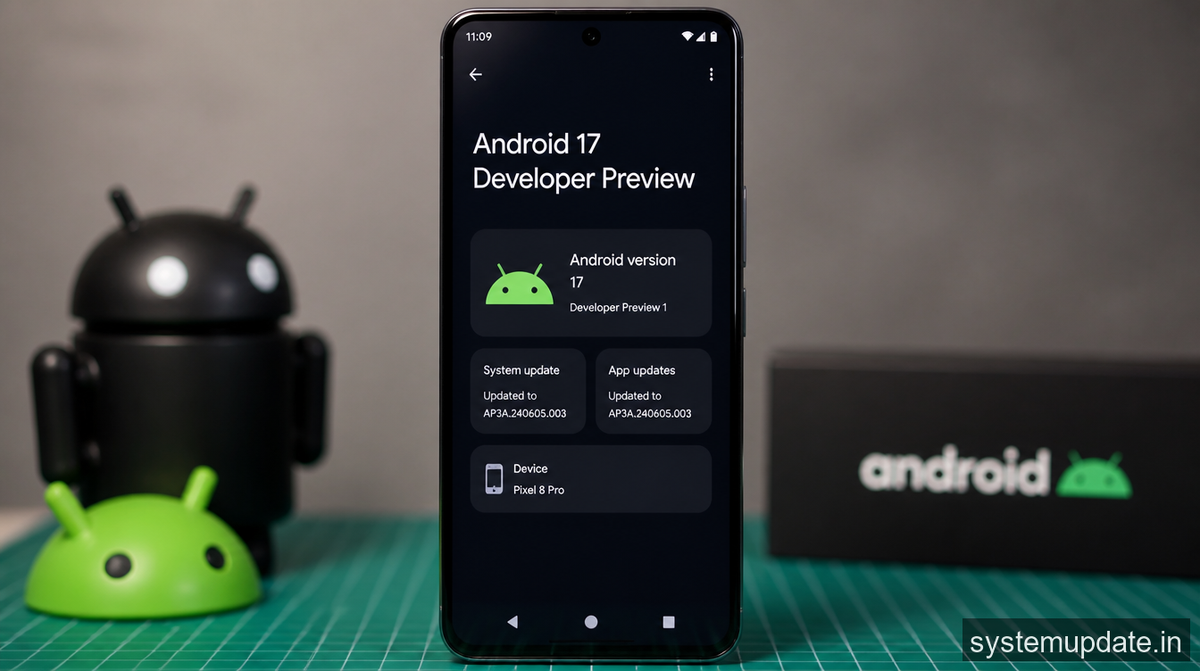
First, update your compileSdkVersion to 35 (the preview SDK version) and run your test suite. You’re going to find permission-related crashes if your app does anything in the background. Fix those foreground service launches.
Second, review your target SDK. Google Play requires target SDK 35 for new apps by late 2026, so if you’re still on older versions, start your migration now. The behavior changes between SDK 34 and 35 are significant enough that you can’t just bump the number and call it done.
Third, check your dependency versions. Outdated Jetpack libraries are going to cause problems, especially around background work and permissions.
Finally, test on an actual Android 17 device or use the latest emulator build. The behavior differences are real, and the preview isn’t just theoretical.
Frequently Asked Questions
When was the Android 17 Developer Preview released?
Google released the first Android 17 Developer Preview in February 2026, following their typical release schedule of rolling out developer previews in early months of the year before the public release.
How does Android 17 affect background app permissions?
Android 17 continues Google’s push to restrict background work. Foreground services launched from background contexts face stricter constraints, and apps using WorkManager or JobScheduler may need updates to ensure compatibility.
Should I update my app’s target SDK to Android 17?
Yes. Google Play requires target SDK 35 for new app submissions by late 2026. Start your SDK update now and test thoroughly for behavior changes, particularly around permissions and background execution.
What new features in Android 17 should I implement?
The predictive back gesture API is now stable enough to implement. Additionally, review scoped storage handling and media permissions, as users now have more granular control over folder access.
How do I test my app for Android 17 compatibility?
Use the latest Android Studio with the Android 17 SDK preview. The emulator now supports most API calls, and you should also test on physical devices once the beta builds are available. Run lint checks and look for permission-related warnings.
Final Thoughts
The Android 17 Developer Preview isn’t a massive visual overhaul, but the behind-the-scenes changes are significant. If you build Android apps professionally, the background execution restrictions alone will require real work. The earlier you test against this preview, the less you’ll scramble when Android 17 rolls out to users later this year. Update your SDK versions, audit your background code, and get familiar with the new permission flows. It’s not complicated work, but it is necessary work.
Article written by Harsh Mahilang at System Update India.
