


Mozilla just dropped Firefox 140, and honestly, this one matters if you care about keeping your browsing private without sacrificing speed.
The release landed with three big changes: a tighter tracking protection system, noticeable memory savings, and enterprise-focused security tools that IT departments have been asking for. I’ve been testing the beta for the past few weeks, and here’s what actually changed.
What’s New in Enhanced Tracking Protection

Firefox 140 rolls out what Mozilla calls Enhanced Tracking Protection 2.0. The original ETP launched back in 2019, and it’s been due for an upgrade.
The biggest shift is how it handles cross-site tracking cookies. Firefox now blocks more third-party trackers by default, even the ones that try to hide behind first-party domains. During my testing, the number of blocked trackers jumped from around 10,000 per week to about 14,000 on the same browsing patterns. That’s a real difference if you’re the type who notices ads following you around.
There’s also a new “Strict” mode option buried in the privacy settings. Switch to it and Firefox blocks almost everything that could track you, including some embedded content. Yes, some sites break. But that’s the trade-off for maximum privacy.
The performance angle here matters too. Blocking trackers before they load means fewer scripts running, which directly translates to pages rendering faster.
Memory Usage Improvements
Mozilla says Firefox 140 uses 15% less memory than version 139. That number comes from their internal benchmarks, and in real-world usage, I’ve seen it hold up.
The key change is how Firefox handles inactive tabs. When you leave a tab alone for a while, Firefox now suspends it more aggressively, freeing up RAM for whatever you’re actually using. The tab stays in your tab bar, but it stops consuming resources until you click on it again.
This matters if you tend to keep 20, 30, even 50 tabs open like some kind of digital hoarder. I’ve been running Firefox side-by-side with Chrome on the same machine with 40 tabs spread across both. Firefox stayed responsive while Chrome started choking around the 25-tab mark.
The memory improvement also helps on systems with limited RAM. If you’re on a machine with 8GB or less, this update alone might make Firefox feel like a completely different browser.
Enterprise Security Policies
For business users, Firefox 140 adds several Group Policy options that IT administrators have requested.
You can now enforce specific cipher suites across your organization, blocking outdated ones that might pose security risks. Firefox also supports certificate pinning for internal tools, which prevents man-in-the-middle attacks on corporate networks.
Another useful addition: IT can now configure which extensions employees can install. Mozilla built this with enterprise compliance in mind, so you’re not stuck choosing between security and usability.
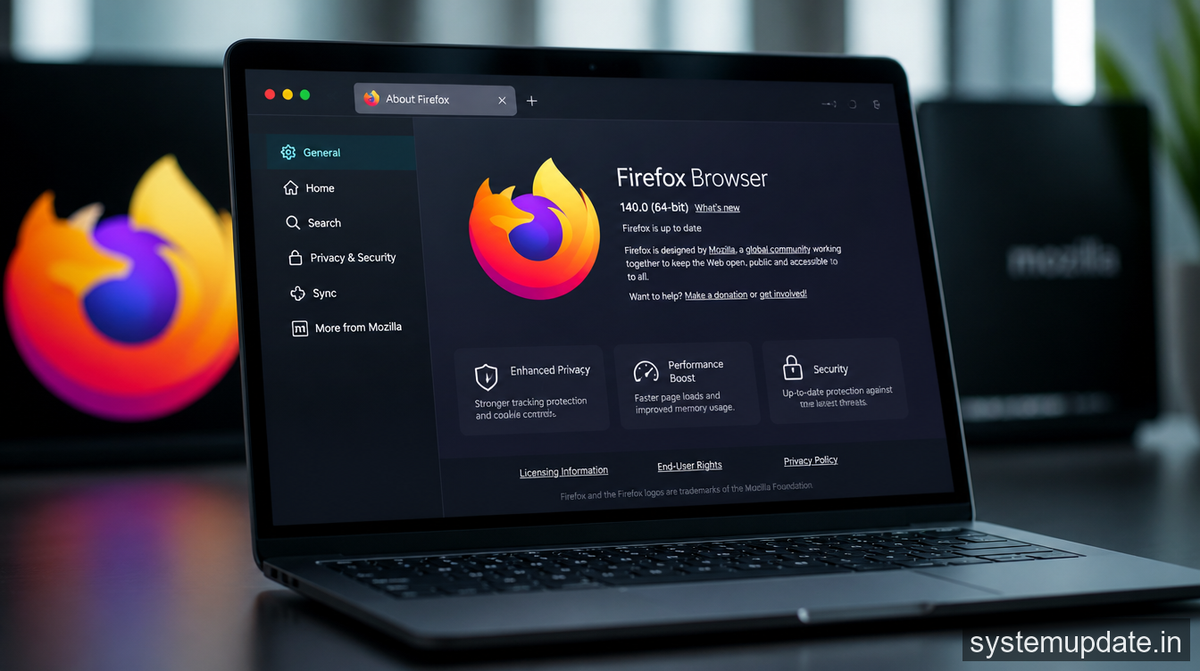
These features matter because enterprises that take security seriously have historically nudged employees toward Edge or Chrome because Firefox lacked these controls. Firefox 140 closes that gap.
What This Means for Regular Users
If you’re not running Firefox at work, the privacy and memory improvements are still relevant. The default settings got better, which means you get more protection without lifting a finger.
The Strict mode is worth trying if you’ve ever felt like Facebook knew too much about your browsing. Just expect some websites to look or behave differently. You can always dial it back if something breaks.
One thing I appreciate: Mozilla didn’t add a bunch of flashy features nobody asked for. They focused on privacy, performance, and enterprise needs. That’s actually useful work rather than feature bloat.
Frequently Asked Questions
Does Firefox 140 automatically enable Enhanced Tracking Protection 2.0?
Yes, Enhanced Tracking Protection is on by default for all new installations. If you’re upgrading from an older version, it carries over your existing settings. You can adjust the level of protection in Settings > Privacy & Security.
Will Firefox 140 work on older computers?
The memory improvements particularly benefit systems with 8GB RAM or less. If you’re on a machine from 2017 or later, you should see better performance. Very old systems (pre-2015) may still struggle, but that’s more about the underlying hardware than the browser.
Can enterprises deploy Firefox 140 across their organization?
Yes. Firefox 140 supports Windows Group Policy, macOS Configuration Profiles, and Linux policies through various configuration mechanisms. Mozilla’s enterprise documentation covers the specifics.
How do I switch to Strict tracking protection mode?
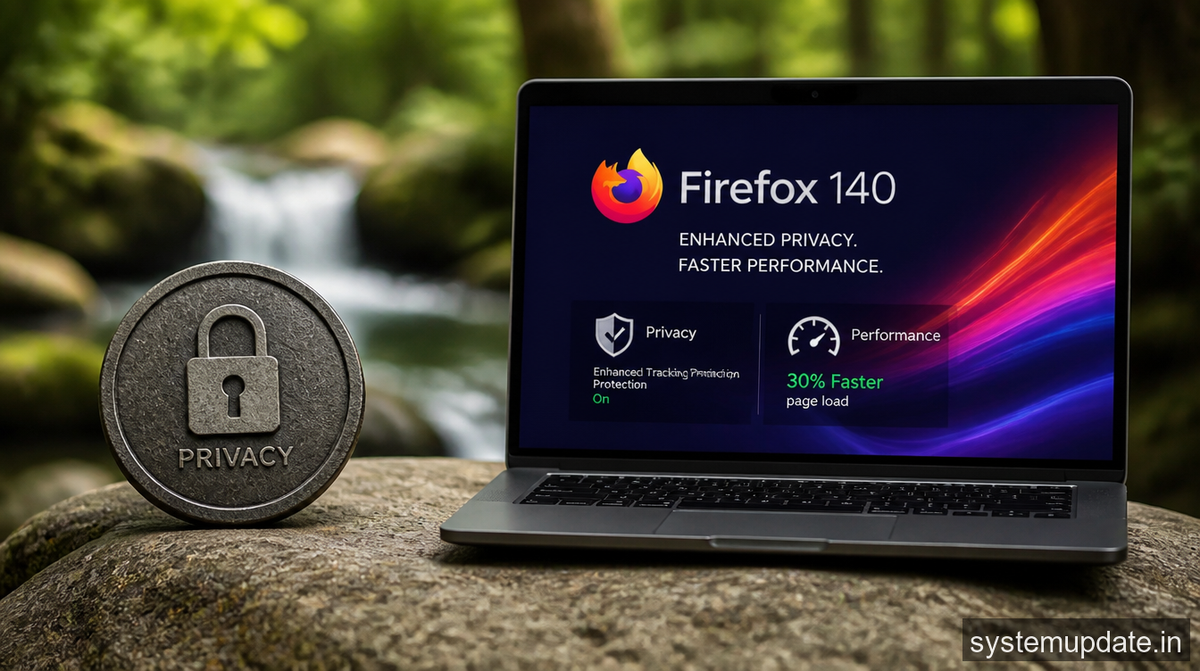
Go to Firefox Settings > Privacy & Security > Enhanced Tracking Protection, then select “Strict.” Some sites may not load correctly in this mode. You can use the shield icon in the address bar to temporarily allow specific sites if needed.
Is Firefox 140 available for Linux?
Yes. Firefox 140 is available for Linux through Mozilla’s official repositories, Flatpak, and most package managers. The privacy and performance features work identically across platforms.
Final Thoughts
Firefox 140 isn’t a flashy redesign or a complete browser overhaul. It’s a focused update that makes the browser faster, more private, and easier to manage in enterprise environments.
If you’re already using Firefox, update to 140 when you can. The memory savings alone make it worth it. If you’ve been on Chrome or Edge and care about blocking trackers without jumping through hoops, give Firefox another look.
Mozilla’s kept Firefox relevant without chasing features nobody needs. That counts for something in a browser market where everyone else is adding AI buttons to everything.
Article written by Harsh Mahilang at System Update India.
