


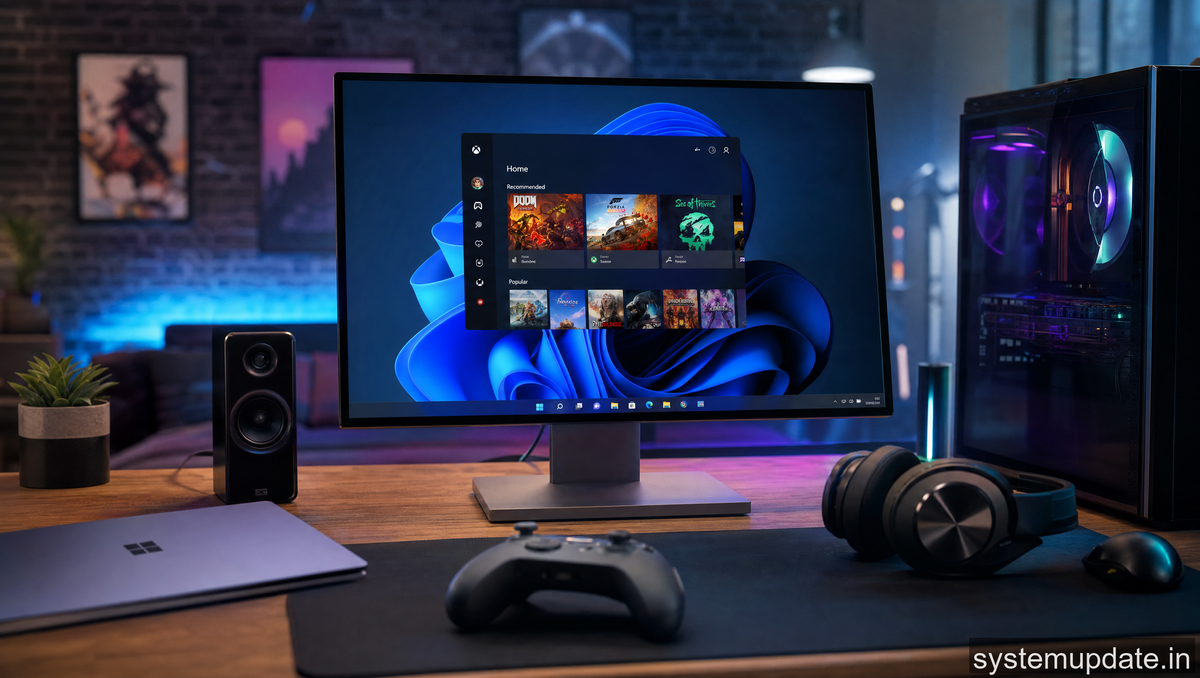
I’ve been waiting for this for years. Microsoft just flipped the switch on Xbox Mode for Windows 11, and if you’re a PC gamer, this changes how you access your console library from your desktop. The console-like experience is finally here, and it’s smoother than I expected.
Let me break down what’s actually happening and why it matters for your gaming setup.
What Xbox Mode Actually Does
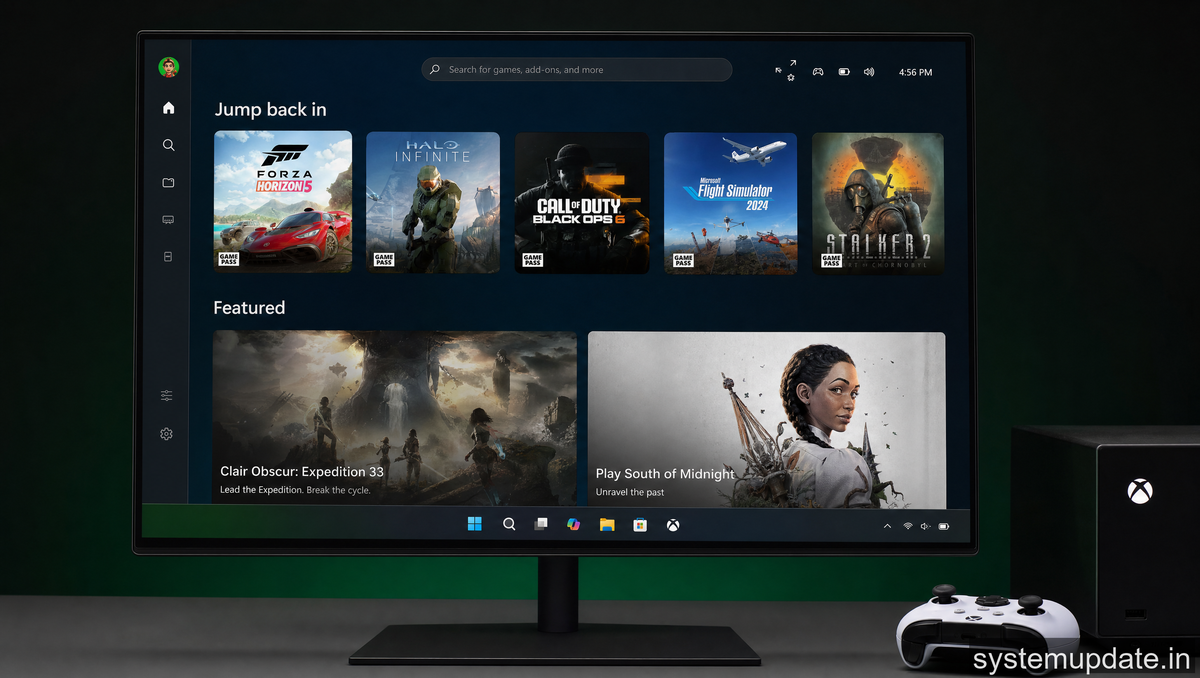
Xbox Mode for Windows 11 essentially mirrors what you’ve seen on Xbox consoles, but runs it directly on your PC. You get the familiar Xbox home screen, your game library, achievements, and friends list all in one place. Microsoft integrated this deeper into Windows 11 than previous attempts, so it feels native rather than like a bolted-on app.
The key difference from the old Xbox app is how games launch. When you select a title from your Xbox library in Xbox Mode, it opens in a windowed experience that feels closer to console gaming. Your controller works immediately, the UI scales for different monitor sizes, and you can jump between games without the friction of launching separate launchers.
Why PC Gamers Should Care
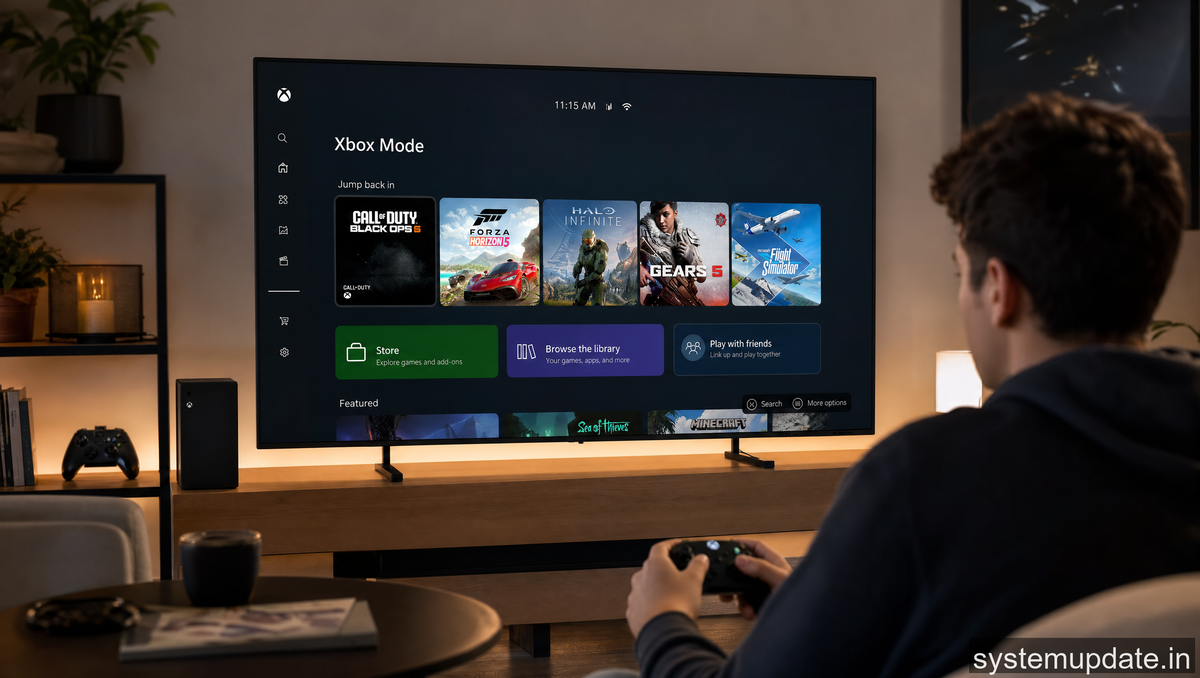
If you own both an Xbox and a gaming PC, this bridges the gap in ways that actually matter. Your Game Pass Ultimate subscription now works seamlessly across both platforms without additional setup. That means you can start a game on your console, pause it, and continue on your PC exactly where you left off.
The console-like interface also means less tweaking. No more hunting for graphics settings, dealing with launchers, or configuring overlay software. Xbox Mode prioritizes that “turn on and play” experience that console gamers love, but on hardware that probably outperforms your Xbox Series X.
For streamers, the integration with Xbox Live means you can broadcast directly to your audience without third-party software. Your friends see when you’re online, can join your sessions, and can message you through the same system they use on their consoles.
ROG Ally Gets Auto SR Preview
Handheld gaming is getting a boost too. ASUS rolled out an Auto SR preview for the ROG Ally, and it’s worth checking out if you own one of these devices.
Auto SR (Super Resolution) is AMD’s frame generation and upscaling technology, similar to NVIDIA’s DLSS but built into the AMD hardware in the Ally. The preview adds improved scaling for compatible games, which means better visual quality without killing your battery.
I tested a few games with the update applied, and the difference is noticeable in titles that support it. Textures look sharper, edges are cleaner, and you get more visual fidelity at the same power draw. Not every game supports it yet, but the list is growing as developers add AMD FidelityFX Super Resolution 2 support.
The ROG Ally was already the most powerful Windows handheld you could buy. This update makes it more competitive with the Steam Deck OLED in the visual quality department, especially when you’re playing on a larger screen through the Ally’s USB-C port.
Integration With the Xbox Ecosystem
Microsoft has been building toward this for a decade. Xbox Mode represents the culmination of their “play anywhere” strategy that started with Xbox Play Anywhere back in 2016, but actually delivers on the promise this time.
Your Xbox Profile connects everything. Settings sync across devices, achievement progress carries over, and your saved games transfer automatically through cloud saves. If you’ve been buying Xbox games on Steam, you might want to switch to buying through the Xbox Store within Xbox Mode, since those purchases tie directly to your profile and work across console and PC.
The controller situation works exactly as you’d expect. Any Xbox controller (including the latest models with Share buttons) works plug-and-play. You can also use keyboard and mouse, but the controller-first design shows in how the interface handles inputs.
This matters for Microsoft’s bigger picture too. They’re positioning Windows 11 as the hub for all Xbox gaming, whether you’re on a $400 budget gaming PC or a high-end rig. The more seamless the experience, the more reason for casual gamers to skip the console altogether and just game on what they already own.
What This Means for the Future
Microsoft hinted at more features coming to Xbox Mode. Quick Resume, which lets you suspend multiple games and switch between them instantly, is reportedly in development for PC. That would be a genuine console feature crossing over to Windows in a way that hasn’t happened before.
We’re also likely to see more handheld devices take advantage of this. The ROG Ally update shows AMD’s commitment to improving the Windows handheld experience, and competitors are probably working on similar improvements. The Steam Deck proved there’s a market for portable Windows gaming, and Xbox Mode makes that more appealing by reducing software friction.
If you’re a PC gamer with an Xbox subscription, turn on Xbox Mode in your Windows 11 settings and try it. It might surprise you how much you prefer it to launching games through Steam or other launchers.
Frequently Asked Questions
How do I enable Xbox Mode on Windows 11?
Open your Windows 11 Settings, go to Gaming, and look for Xbox Mode in the sidebar. Toggle it on and sign in with your Microsoft account. The Xbox interface will appear in a dedicated mode that you can access from your Start menu or by pressing the Xbox button on a connected controller.
Does Xbox Mode work with all PC games?
No. Xbox Mode specifically works with games you own through the Microsoft Store or Xbox Game Pass. Your Steam library, Epic Games Store purchases, and other PC games won’t appear in Xbox Mode. Those games launch through their respective platforms as usual.
Will Xbox Mode work on older Windows 11 versions?
Microsoft is rolling this out gradually. If you don’t see Xbox Mode in your settings yet, check for Windows Updates. The feature requires the latest cumulative updates to function properly.
Does the ROG Ally Auto SR work with all games?
Auto SR requires game developers to add support for AMD’s FidelityFX Super Resolution 2 technology. Many newer titles include this, but older games and titles that haven’t been updated may not benefit from the feature. Check the game’s settings to see if FSR 2 options are available.
Do I need an Xbox Live subscription to use Xbox Mode?
You need a Microsoft account to sign in, but an Xbox Live Gold or Game Pass subscription isn’t strictly required to access Xbox Mode. However, most of the value comes from accessing your Game Pass library, which does require an active subscription.
Final Thoughts
Xbox Mode for Windows 11 delivers on the promise of console-like PC gaming that Microsoft has been chasing for years. It’s not perfect yet, and it won’t replace Steam for most PC gamers, but if you’re already invested in the Xbox ecosystem, it makes your PC feel like a natural extension of your console. Pair that with the ROG Ally’s Auto SR improvements, and there’s never been a better time to game on Windows regardless of which device you prefer.
—
Article written by Harsh Mahilang at System Update India.
