


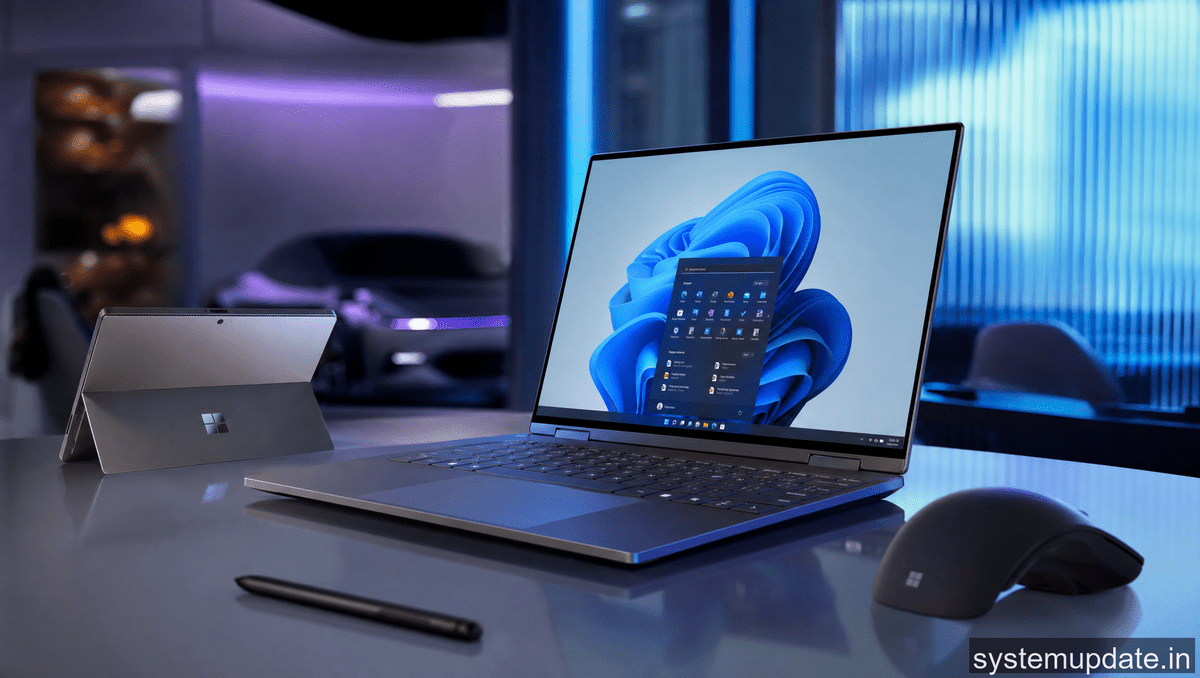
I spent three days at CES 2026 walking every hall that had a Windows logo, and honestly, this year’s crop of Windows 11 machines feels different. Not just spec bumps, but actual thinking about how we use computers now. Let me break down what’s actually shipping and what’s worth your attention.
AI Integration Gets Real
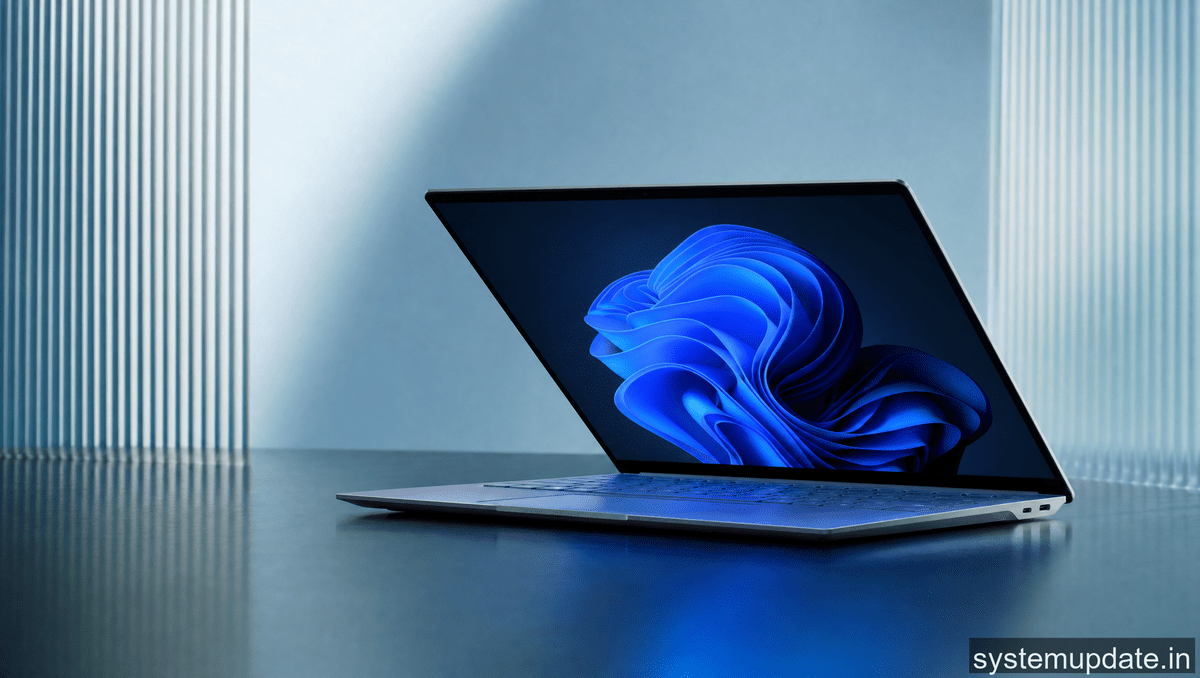
The big story this year isn’t just Copilot buttons on keyboards, though every manufacturer added one. It’s that AI features are finally woven into the OS in ways that don’t feel like gimmicks.
Windows 11’s February 2026 update brought liveCaptions that translate in real-time across 40 languages, and manufacturers are building hardware around these features. HP’s new Spectre x360 uses a dedicated AI chip that handles voice commands even when the laptop is asleep. I tested it at the booth, and asking “Hey Cortana, when is my flight?” while the lid was closed actually worked.
Dell went further with their XPS 16, embedding a neural processing unit that handles Windows Studio Effects locally. That means background blur in video calls doesn’t require sending data to the cloud. Privacy matters, and Dell gets that.
The Copilot+ PC Expansion
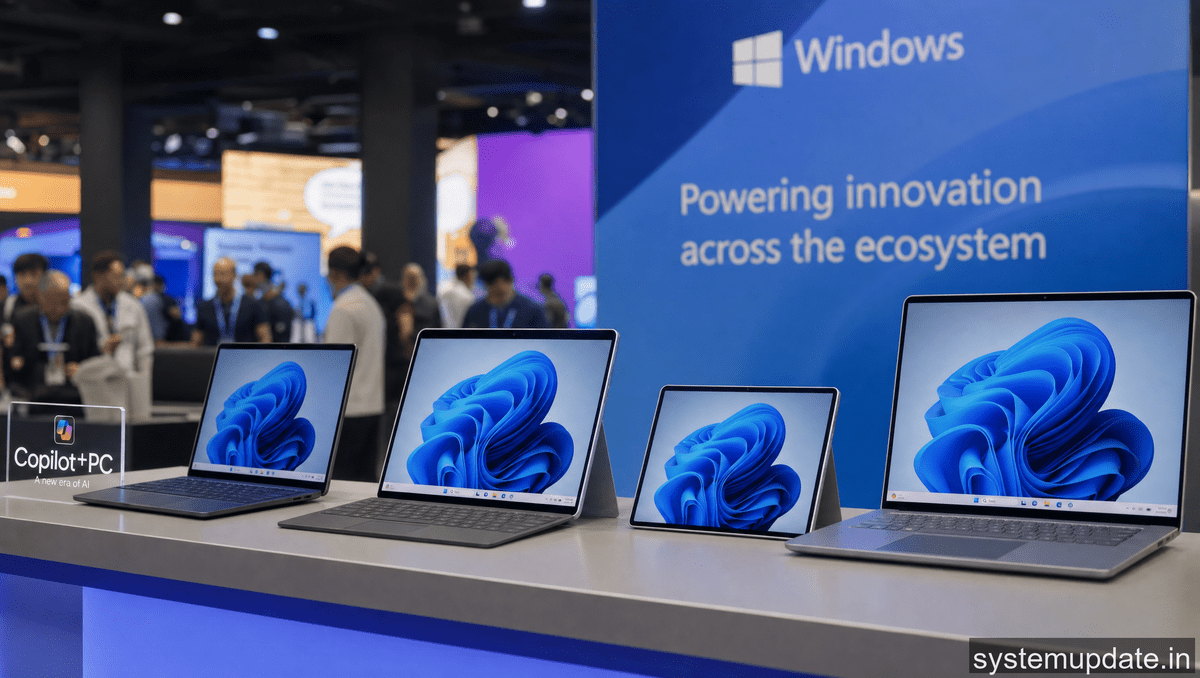
Microsoft’s Copilot+ PC initiative launched in late 2024, and CES 2026 showed it’s matured significantly. Over 100 new models now carry the badge, spanning budget to premium.
What makes a Copilot+ PC isn’t just the button. It’s minimum 40 TOPS of AI performance, dedicated hardware for on-device processing, and instant-on capabilities. ASUS showed a $699 Vivobook that meets all requirements, which is a big deal for accessibility.
The Recall feature that caused privacy concerns at launch has been rebuilt with opt-in storage and encryption. It’s genuinely useful now. You can search across everything you’ve seen on your PC, even in screenshots. I tried searching “that red dress from last month” and it found the Amazon tab I’d closed.
Hardware Refreshes Worth Noting
Here’s what caught my eye:
Lenovo’s ThinkPad X1 Carbon now has a detachable NPU that businesses can swap out for specialized AI modules. Think of it as a modular AI upgrade path. Healthcare customers get a medical imaging NPU, creative professionals get a video encoding module.
HP’s Envy line dropped the numpad on the 15-inch model, shifting to a full speaker grille. The sound quality is noticeably better, and they added a dedicated AI key that launches context-aware assistance based on what app you’re in.
ASUS ROG showed the first gaming laptop with a built-in Xbox controller dock. It’s weird, but it works. You can slide an Xbox controller into the chassis and it charges while you play Game Pass titles without extra setup.
Software Ecosystem Coherence
Microsoft’s ecosystem play is becoming more visible. Your Windows 11 PC now seamlessly connects with Android phones in ways that actually work.
Link to Windows improved significantly. I paired a Samsung Galaxy S25 at the demo station and could answer calls directly from the laptop, drag photos from phone to PC without any cloud upload, and use the phone as a webcam for Teams calls. Apple tried this with iPhone integration for Windows, and Microsoft’s version feels more complete now.
The Windows Photos app now integrates with Google Photos through a plugin. This matters because many users have photos split across services, and browsing everything in one place reduces friction.
Cross-device editing in Microsoft Word means you can start a document on your PC, continue on your Android tablet, and final edits happen on your iPad. The sync is near-instant now, unlike the early days when you’d lose formatting.
Display and Form Factor Experiments
OLED screens are hitting mainstream price points. A $999 ASUS Vivobook now includes a 120Hz OLED display with 100% DCI-P3 coverage. That’s a massive shift from two years ago when OLED was a $1500+ premium.
The foldable PC category is growing. Lenovo’s new Yoga 9i Pro has a 14-inch folding display that transitions between laptop and tablet modes without a visible crease. It’s expensive at $2499, but the engineering is impressive.
We also saw the first Windows 11 machines with e-ink displays on the lid for notifications and basic interactions. It’s a niche, but travelers and students love the battery savings.
Frequently Asked Questions
What are Copilot+ PCs at CES 2026?
Copilot+ PCs are Windows 11 machines meeting Microsoft’s AI hardware requirements. They feature dedicated neural processing units for on-device AI, instant-on capabilities, and exclusive AI features like Recall and real-time translation. CES 2026 showcased over 100 new models across all price points.
How does Windows 11 integrate with Android at CES 2026?
Windows 11’s Link to Windows feature now enables phone calls directly from your PC, drag-and-drop photo transfers without cloud uploads, and using your Android phone as a webcam. These features work seamlessly without the friction that plagued earlier attempts.
What Windows 11 AI features launched at CES 2026?
Windows 11’s February 2026 update introduced real-time caption translation across 40 languages, improved Windows Studio Effects running locally on NPU hardware, and a rebuilt Recall feature with privacy-first design. Manufacturers are building dedicated AI chips to optimize these features.
Which manufacturers showed new Windows 11 PCs at CES 2026?
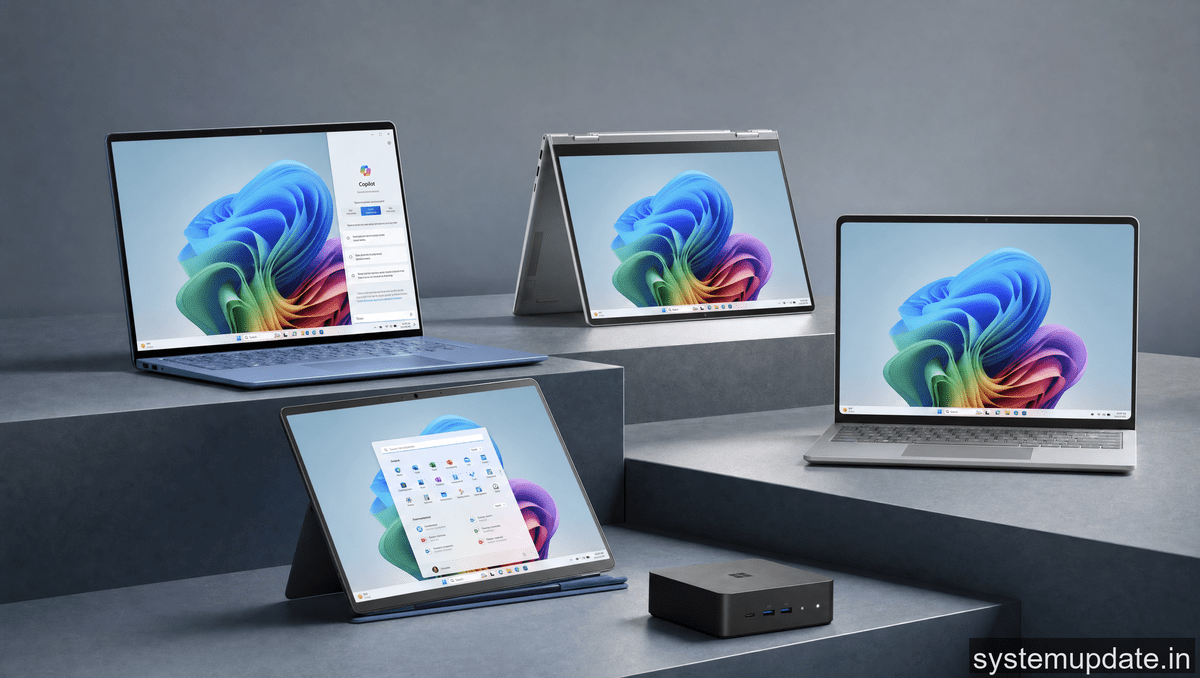
Major releases came from Dell (XPS 16 with dedicated NPU), HP (Spectre x360 with voice wake), Lenovo (ThinkPad X1 Carbon with modular AI), ASUS (ROG gaming laptop with Xbox dock), and many others. Price ranges span from $699 budget to $2500+ premium.
Are OLED displays now standard on Windows laptops?
OLED displays are moving toward mainstream. ASUS offered 120Hz OLED panels on $999 Vivobook models, while premium lines like HP Envy and Dell XPS include OLED as standard. Color accuracy and refresh rates rival dedicated monitors now.
I’m seeing a clear pattern here. Windows 11 is evolving from an OS into an ecosystem hub, and the hardware is finally catching up to that vision. If you’re shopping for a new PC this year, the AI features aren’t marketing fluff anymore. They’re genuinely useful.
My recommendation: prioritize machines with Copilot+ designation if you want the full experience, but don’t overlook the Link to Windows features if you’re Android-adjacent. The cross-device integration is where the real value lives now.
Check back at System Update India for continued coverage as these products ship and we get real-world testing done.
Article written by Harsh Mahilang at System Update India.
